A product launch visual kit is the full set of images you need before launch day: teaser Stories, the launch post in feed and vertical sizes, a link image for LinkedIn, a how-it-works carousel or document, refreshed profile headers and follow-up proof posts. For a small team, that is about 13 assets across Instagram, TikTok, LinkedIn and X, and every one of them should come from the same template system so the launch looks like one event.
The table below is our kit list, with the size, owner and timing for each asset. Platform sizes link to each platform's own help page, checked on October 5, 2026. The owners and dates are our recommendation for a team of two to five people.
What assets go into a product launch visual kit?
Here is the full list. T is launch day; T-7 means seven days before, T+3 three days after.
| # | Asset | Platform | Size | Owner | When |
|---|---|---|---|---|---|
| 1 | Teaser Story with countdown sticker | Instagram Stories | 1080 x 1920 px, 9:16 (Meta spec) | Marketer fills, designer templates | T-7 to T-1 |
| 2 | Teaser video cover or title card | TikTok | 1080 x 1920 px, 9:16 | Marketer | T-3 |
| 3 | Event cover, if you run a launch webinar | LinkedIn Events | 1280 x 720 px, 16:9 | Marketer | T-14 |
| 4 | Launch announcement post | Instagram and LinkedIn feeds | 1080 x 1350 px, 4:5 (Instagram range) | Marketer fills, approver signs off | T |
| 5 | Vertical launch version | TikTok, Reels, Stories | 1080 x 1920 px | Marketer | T |
| 6 | "Now live" Story with link sticker | Instagram Stories | 1080 x 1920 px | Marketer | T |
| 7 | Link post image | 1200 x 627 px, 1.91:1 | Marketer | T | |
| 8 | How-it-works carousel or document | Instagram carousel, LinkedIn document | 1080 x 1350 px slides; LinkedIn PDF up to 100 MB and 300 pages | Product marketer | T |
| 9 | Post image | X | 4:5 or 1.91:1, both inside 2:1 to 3:4 | Marketer | T |
| 10 | Profile header | X | 1500 x 500 px | Designer | T, revert at T+30 |
| 11 | Page cover | 1512 x 256 px | Designer | T, revert at T+30 | |
| 12 | Team share graphic for founders and employees | LinkedIn personal profiles | 1080 x 1350 px | Marketer prepares, team posts | T to T+2 |
| 13 | Proof posts: customer quote, first numbers | All feeds | 1080 x 1080 or 1080 x 1350 px | Marketer | T+3 to T+14 |
Two notes on sources. The 1080 x 1920 px Story size is ours; Meta's ad spec lists 1440 x 2560 px at the same 9:16 ratio, so the layout is identical. For LinkedIn, the 1200 x 627 px figure is for custom images on a Page post with a link; LinkedIn's same page says image-only posts are enlarged to fit the feed and other ratios show in full on mobile, which is why we post the 4:5 version for image posts.
What does a launch kit look like from one template system?
Below are four of the 13 assets, rendered from our AURORA demo brand. They use three different templates but one set of fonts, colors and words, so they read as one launch.
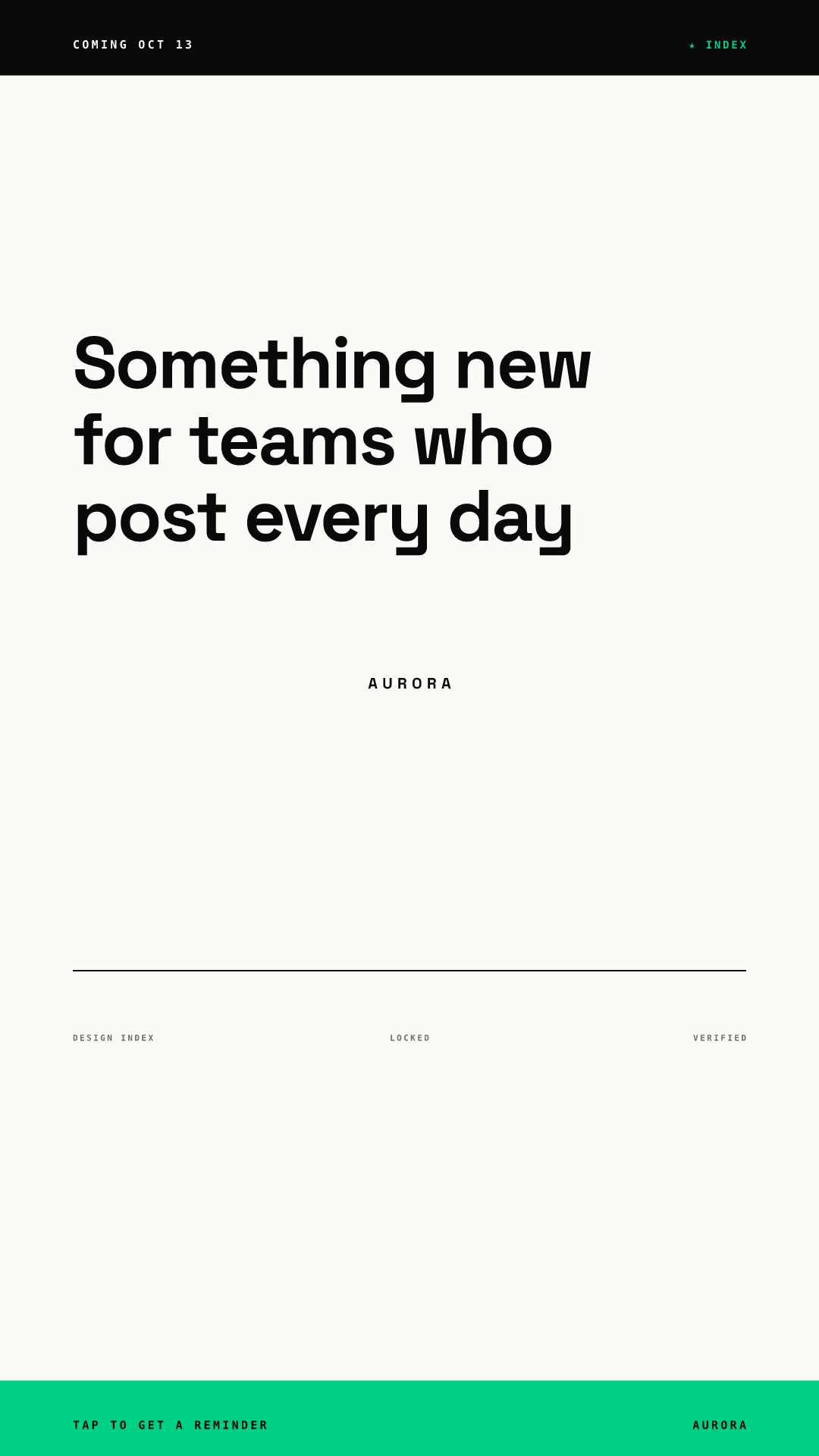
The teaser keeps its headline high, inside the band Meta's Story margins leave free (14% top, 35% bottom). The footer strip sits in the bottom 35% on purpose: it repeats the call to action that the countdown sticker carries, so nothing is lost if the interface covers it. Instagram's Stories guide says followers can subscribe to a countdown sticker and get a notification when time is up, which makes it the natural teaser tool.
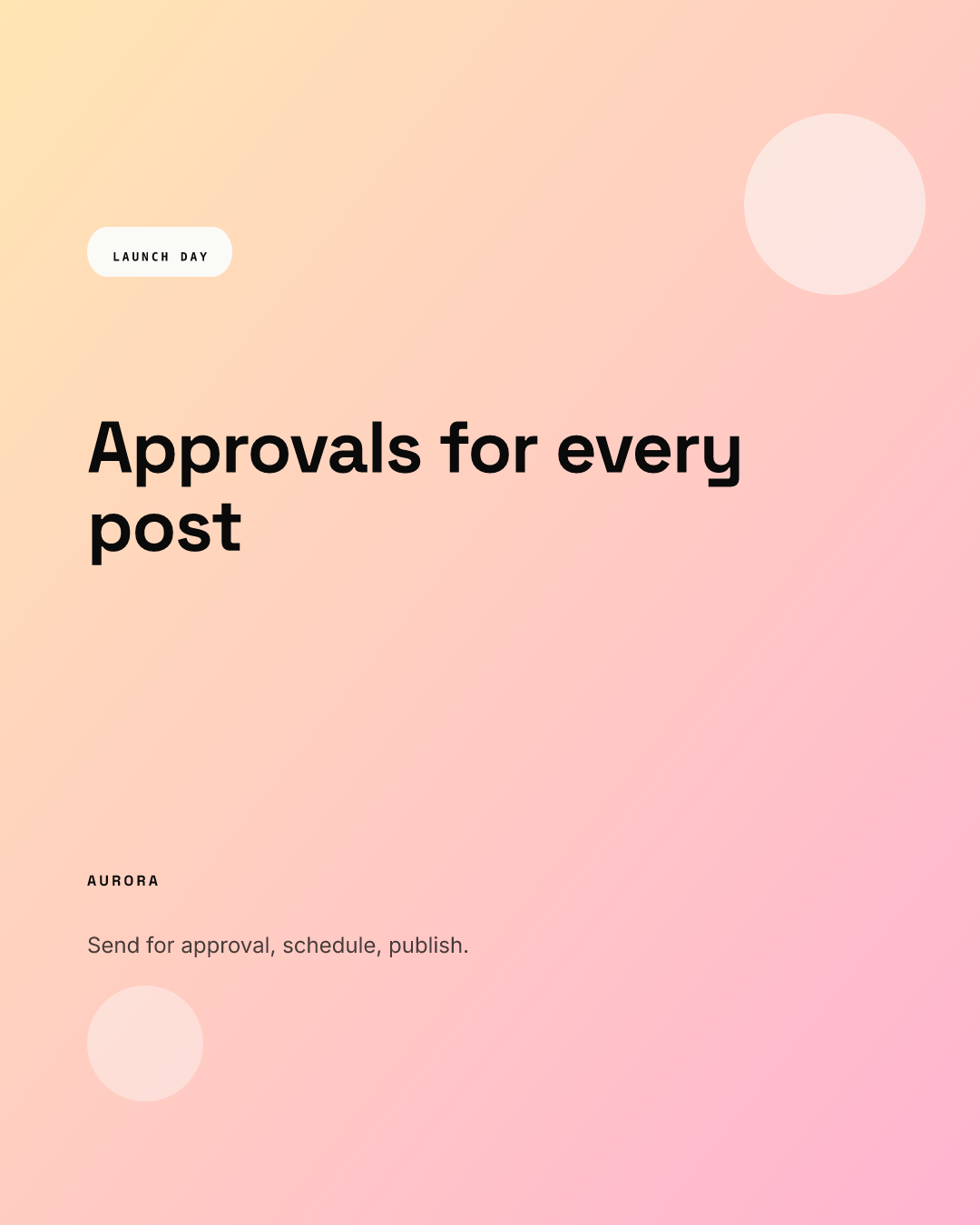
The launch post is the master. Every other launch-day size is rebuilt from the same headline. Our guide on repurposing one visual across platforms shows how one template re-lays itself out at 1:1, 4:5, 9:16 and 1.91:1.
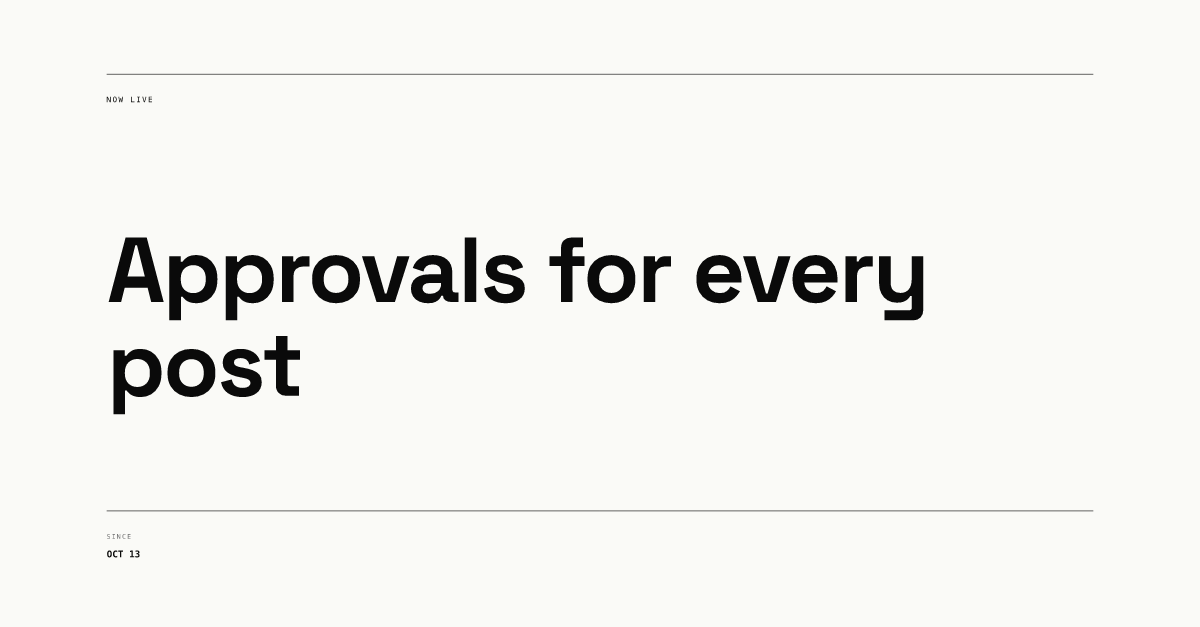
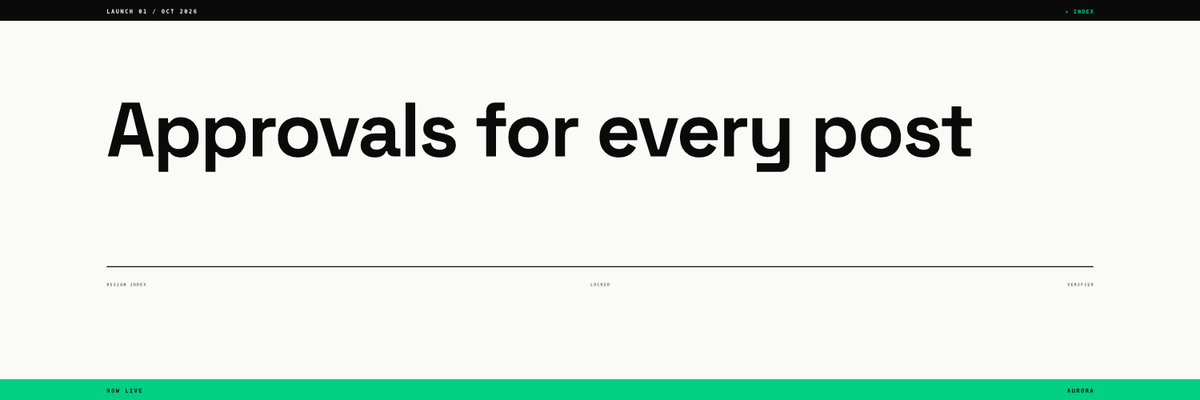
For the X header, X recommends 1500 x 500 px in JPG, GIF or PNG, and it does not support animated GIFs for headers. The X help page we read does not say where the profile photo overlaps the header. Our observation is that it sits over the lower left on most screens, so in this render the headline stays high and only a short label sits in the lower left. Our X header and post visuals guide covers that crop in more detail.
Who should own each part of the kit?
On a small team, ownership matters more than the number of people. The split we recommend:
- Designer: templates, headers, covers. Builds or updates the templates once, about two weeks before launch, and makes the one-off header and cover images.
- Marketer: the kit list and the dates. Owns this table, fills text into templates, schedules posts and checks each asset at phone size.
- Approver: one person. Signs off launch-day assets in one pass. Our approval workflow guide explains how to keep that pass short.
- Founders and employees: sharing, not designing. They post the team share graphic with their own words. Our employee advocacy graphics post covers what to hand them.
The point of templates here is that nobody touches layout in launch week. In Chikaboom, a designer builds the templates, teammates fill text fields, and posts can be sent for approval, scheduled, or published to LinkedIn, X and Instagram. You can try filling a template in the live demo.
What is the launch timeline for visuals?
| When | Visual work |
|---|---|
| T-14 | Templates updated, kit table agreed, event cover live if you run a webinar |
| T-7 | Teaser Story series starts, countdown sticker added |
| T-3 | All launch-day assets filled, sent for approval |
| T-1 | Approved assets scheduled; headers and covers ready but not swapped |
| T | Headers and covers swapped, launch posts out, "now live" Story with link sticker |
| T+3 to T+14 | Proof posts: customer quote, first numbers, how-it-works recap |
| T+30 | Headers and covers back to the evergreen version |
Instagram's Stories guide notes that eligible accounts can schedule Stories from the more options menu, which helps with the T-1 step. Our rule for launch day: change text if you must, never layout.
What do teams forget in a launch kit?
The same few items, in our experience:
- Profile surfaces. The X header and LinkedIn Page cover are seen by everyone who checks you out after the announcement. LinkedIn notes the cover may be trimmed on different screens and advises keeping key details away from the edges, especially the lower right. Our LinkedIn company page branding guide goes deeper.
- The vertical version. Teams make a beautiful 4:5 post and then crop it for Stories, cutting the headline. Rebuild it at 9:16 instead.
- A place for the launch to live after 24 hours. Stories disappear after a day; save the launch Stories to a Highlight with a matching cover. See Instagram highlight covers.
- Proof after the launch. The launch post gets attention; the customer quote a week later earns trust. Plan it in the kit, not as an afterthought.
- Alt text. Write it once per asset, in the kit table, so it is ready when you post.
For the daily Story formats that carry a launch week, see Story templates for brands, and for the wider feed system, our Instagram carousel design hub.
Launch kit checklist
- Kit table filled: asset, platform, size, owner, date.
- Templates updated two weeks out; no layout changes in launch week.
- Feed master at 1080 x 1350 px, rebuilt at 1080 x 1920 and 1200 x 627 px.
- Story text inside the 14% top and 35% bottom margins.
- X header 1500 x 500 px and LinkedIn cover 1512 x 256 px ready to swap on launch day.
- One approver, one pass, three days before launch.
- Follow-up proof posts scheduled for the two weeks after.