Employee advocacy graphics stay on-brand when the company locks the layout, fonts, colors and logo, and each employee fills in only a few fields: a short headline, their name and their role. Give people templates written in the first person, made for their own feed, instead of asking them to repost the company's ad.
LinkedIn facts below come from LinkedIn's Help Center and Marketing Solutions pages, checked on October 5, 2026. Program design is our recommendation. Our LinkedIn post design guide covers the layouts these templates are built from.
Why do employee graphics drift off-brand?
Because employees are asked to post without being given anything to post. In our experience, an advocacy program usually starts with a message in a team chat asking people to "share our launch", and then one of three things happens. People repost the company post with no comment. People make their own graphic in whatever tool they have. Or they do nothing. The second option is where brand drift starts: stretched logos, a different typeface, a screenshot of a slide.
The fix is the same one that works for a team that keeps going off-brand: move the rules from a PDF into the template itself. If the template only lets someone change the words, the colors and fonts cannot drift.
Which posts should employees share, and what can they edit?
Pick a few post types where an employee's voice adds something the company Page cannot. This table is our recommended starting set.
| Post type | Who fills it | Editable fields | Locked |
|---|---|---|---|
| Speaking or event card | The speaker | Headline, date, name, role | Layout, colors, logo, label |
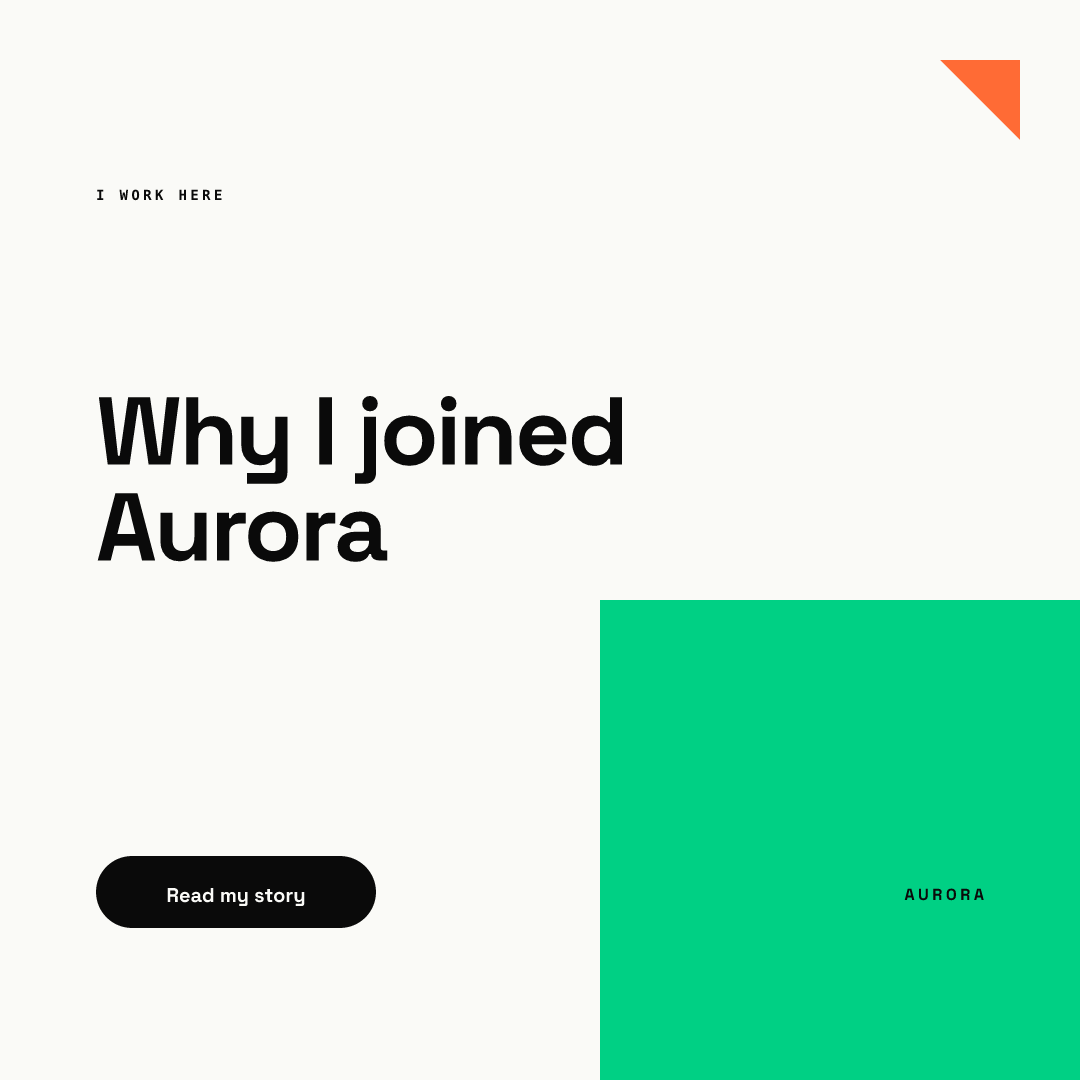
| "Why I joined" story | Any employee | Headline, call to action | Everything else |
| Hiring card | Hiring manager or team | Role, location, pay range | Layout, "We're hiring" label |
| Milestone thank-you | Anyone on the team | Short line of thanks | The number and its source |
| Event recap | Attendees | One takeaway, name | Photo crop, layout |
Two rules make this work. First, the editable fields are few and short, so nobody has to make a design decision. Second, the company number in a milestone post is locked, so twenty people do not round it twenty different ways. For hiring cards, see our hiring post design guide.
What does a member-fill template look like?
Below, one template from our AURORA demo brand is filled by two different people. Names, roles and the event are invented for the example.
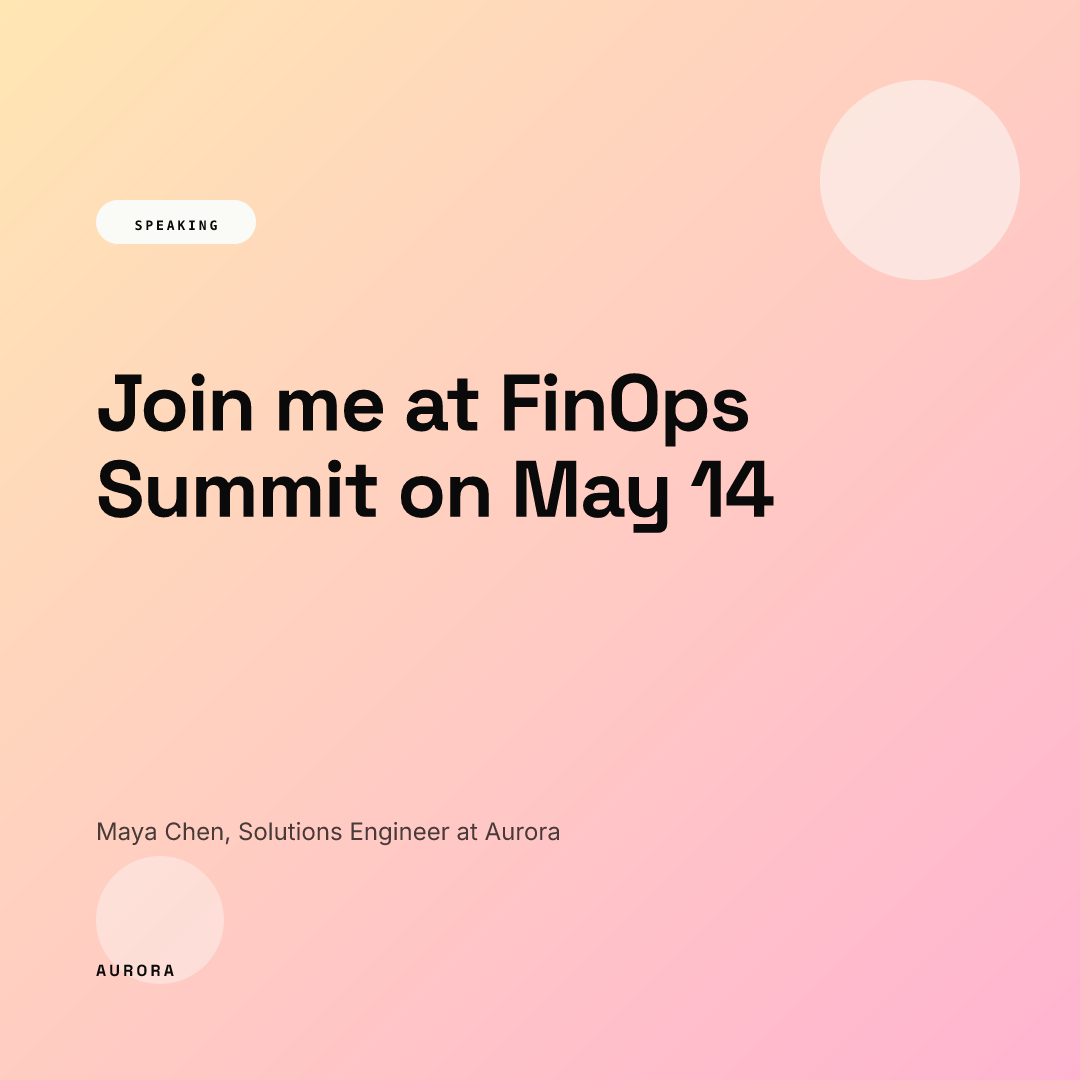
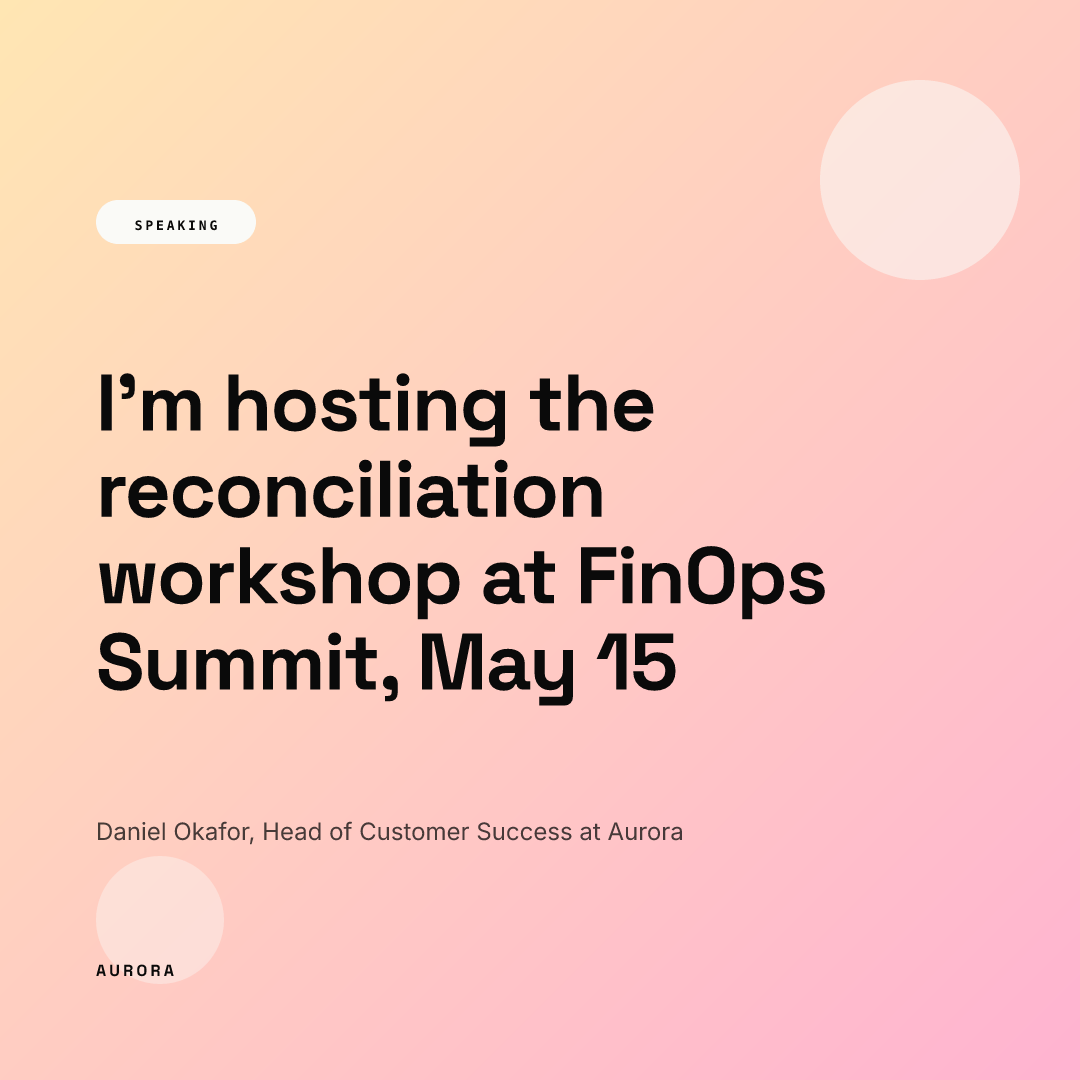
The second headline is almost twice as long, yet the label, margins, name line and wordmark stay exactly where they were. That is what a member-fill template is for: people write in their own words, and the layout holds. In Chikaboom, the owner builds the template, members fill the text fields, text shrinks to fit its box, and the owner can require approval before a member's post goes out. You can try filling one in the live demo.
A second template type tells a personal story in the first person:
What LinkedIn tools help employees see and share company posts?
LinkedIn gives Page admins two built-in ways to reach employees.
Notify employees. A Page admin can flag an important post, and LinkedIn alerts employees, defined as members who list the organization in their work experience. The Help Center says an admin can do this once per day, the Page needs two or more associated employees, targeted posts are excluded, and alerts can take several hours to arrive. It also says a relevance model picks which employees get the alert, so not everyone does. The Pages best-practices page says employees can be notified up to once a week. The two pages disagree; we follow the Help Center for the limit and suggest once a week as a sensible habit.
Recommend to employees. Super, content and curator admins can recommend content for employees to reuse and reshare, with an optional image, video or document. Recommendations show only to employees associated with the Page who have access to its My Company tab. When we checked, this Help Center page appeared in LinkedIn's search results but did not load directly, so confirm the details in your own admin view.
Our recommendation: attach the filled template or a blank one to the recommendation, and write a sample caption in the first person that people can rewrite.
Do employees have to disclose they work for you?
In the US, yes, when they promote your products. The FTC's endorsement guidance says that listing your employer on your profile is not enough, because people reading a single post will not see it. The disclosure belongs in the post. This is general information, not legal advice, and rules differ by country.
Templates can help here. Put the person's role and company on the image ("Solutions Engineer at Aurora"), as both speaker cards above do, and suggest that the caption says it plainly too. It costs nothing and removes the question.
How do you keep advocacy graphics accessible?
Graphics that are mostly text are images of text, and screen readers cannot read them without help. W3C guidance says the alternative text for an image of text should contain the same words shown in the image. LinkedIn lets you add alt text to images in feed posts, and says it may add automatic alt text to images that have none.
Our recommendation: ship every template with a ready alt text line that repeats the headline, name and role, so employees only paste it in. Most people skip alt text because nobody gave them the words.
Checklist for an employee advocacy program
- Three to five post types, each with its own template.
- Three to four editable fields per template; fonts, colors and logo locked.
- First-person headlines ("Join me", "Why I joined"), not company slogans.
- Name, role and company on every image that promotes the company.
- A suggested caption and a ready alt text line with each template.
- Company figures locked in the template, with a source.
- An owner who reviews member posts when the topic is sensitive. Our guide to approval workflows explains how to keep that light.