X's Help Center says a single photo with a standard aspect ratio between 2:1 and 3:4 is displayed in full in the post, so a crop usually means your image falls outside that range or sits in a multi-image post. X's developer docs add up to 4 photos per post and a 5 MB limit per image.
For other networks, see our social media image sizes guide.
What shows in full on X?
For one photo, the Help Center states that anything between 2:1 and 3:4 is displayed in full, and that what you see in the composer is what you get. 2:1 is the widest ratio and 3:4 the tallest, so landscape, square and moderately tall images all qualify.
| Format | Example size | Ratio | In X's full-view range? |
|---|---|---|---|
| Wide | 1200 x 600 px | 2:1 | Yes, the widest allowed |
| Landscape | 1200 x 675 px | 16:9 | Yes |
| Square | 1080 x 1080 px | 1:1 | Yes |
| Portrait | 1080 x 1350 px | 4:5 | Yes |
| Tall portrait | 1080 x 1440 px | 3:4 | Yes, the tallest allowed |
| Tall story-style | 1080 x 1920 px | 9:16 | No: taller than 3:4 |
The pixel examples are ours. X names the ratio range, not specific pixel sizes. Our recommendation is to pick one ratio in the range and confirm it in the composer, which shows the result before you post.
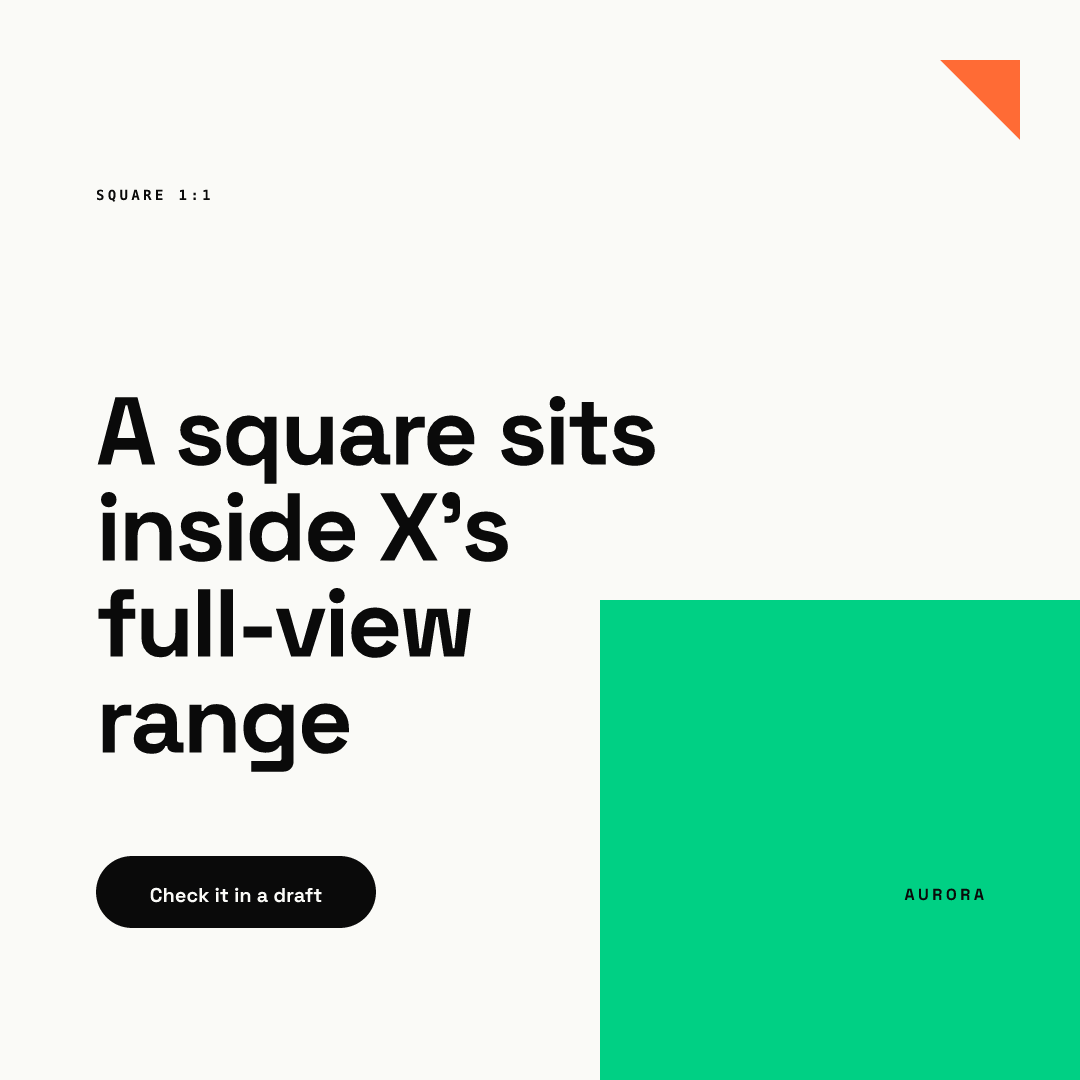
Taller images are where people usually hit the crop. A 9:16 story-style graphic is outside the range, so if you repurpose one from Instagram Stories, expect X to trim it. Our Instagram Story and Reel safe zones guide explains why those files are built tall, and a re-export at 4:5 or 1:1 avoids the problem. As our recommendation, keep a separate X version of every vertical asset instead of posting the same file everywhere.
What are X's file limits?
X's API documentation lists JPG, PNG, GIF and WEBP files, up to 5 MB per image, with up to 4 photos per post. It sets no maximum dimensions for standard images, and animated GIFs are capped at 1280 x 1080 px.
As our recommendation for designed graphics, export PNG or JPG: PNG keeps text edges crisp, and both are handled everywhere. WEBP also works on X, but older tools handle it less reliably, and a GIF limits you to 256 colors and is meant for animation.
How do multi-image posts crop?
X does not document the layouts for 2, 3 or 4 photos, so the table is our working assumption, not an X rule. Test each layout in the composer. With 2 or more photos you can tap and hold to drag them into a new order before posting.
| Post type | Our working assumption | What we would design |
|---|---|---|
| 1 image | Shown in full inside 2:1 to 3:4 (documented) | Any ratio in range |
| 2 images | Each image may sit in a smaller frame and be trimmed | One idea per image, text away from borders |
| 3 images | Frames may differ in size, so one image may be trimmed more | Put the key image first, center the subject in all |
| 4 images | Smallest frames of all, so expect trimming | Treat each as a thumbnail: one word or one number |
The 4-photo cap is documented. Everything in the other columns is advice from us, and the layouts may change.

How do you design an X image that survives a crop?
This checklist is our recommendation:
- Choose a ratio between 2:1 and 3:4 for single photos.
- Keep the headline and logo inside the central 80% of the canvas.
- Keep the headline short: two or three large lines.
- Avoid tiny details in the corners, such as dates or URLs.
- For multi-image posts, make every image work as a small thumbnail.
- Export under 5 MB as PNG or JPG.
- Write alt text so the point of the image reaches readers who cannot see it.
- Check the composer preview on phone and desktop before publishing.
How do you keep every X image on brand?
Safe-zone rules get forgotten when several people post. In Chikaboom, a designer builds the template once with the margins baked in, and the team only fills in text. The headline shrinks inside its box and never runs toward the edge. You can try it in the live demo. Our LinkedIn image sizes guide shows the same idea for another network, and our Facebook image sizes guide covers the largest one.
Can one image serve several networks?
In our experience, a 1080 x 1080 square with a centered headline fits X's full-view range and works on other feeds too, for example Instagram posts. Check each network's own limits before you reuse a file: X's 5 MB cap is the one to watch for heavy exports.