Instagram's photo help page lists 1.91:1 to 3:4 as the supported range at original resolution, so 3:4 (1080 x 1440 px) is the tallest feed photo you can post uncropped. Our recommendation: use 4:5 (1080 x 1350 px) or 3:4 for most posts, 1:1 when you want the safest square, and keep 9:16 for Stories and Reels.
Which Instagram aspect ratio should I use?
The help page gives the limits. The "use it for" column is our recommendation.
| Ratio | Size | Inside the supported range? | Use it for (our recommendation) |
|---|---|---|---|
| 1.91:1 | 1080 x 566 px | Yes, the widest allowed | Wide images, rarely worth it |
| 1:1 | 1080 x 1080 px | Yes | Posts that should look the same anywhere |
| 4:5 | 1080 x 1350 px | Yes | Default for most posts |
| 3:4 | 1080 x 1440 px | Yes, the tallest allowed | Posts where you want the most screen space |
| 9:16 | 1080 x 1920 px | No, taller than 3:4 | Stories and Reels only |
Per the same page, Instagram keeps a photo at its original resolution when the width is 320 to 1080 px and the ratio is inside that range. It enlarges anything narrower than 320 px, scales down anything wider than 1080 px, and crops unsupported ratios to a supported one. To get the full 1080 px width, upload at least 1080 px wide.
The 9:16 row is our recommendation: it is the usual full-screen canvas for Stories and Reels, and we could not read Instagram's Reels help page, so we give no official number for it. Our Stories and Reels safe zones guide covers where text can sit.
What do 1:1, 4:5 and 3:4 look like with the same brand?
We rendered the AURORA demo brand at three sizes. These are two different templates, because one layout stretched to a different size left empty areas.
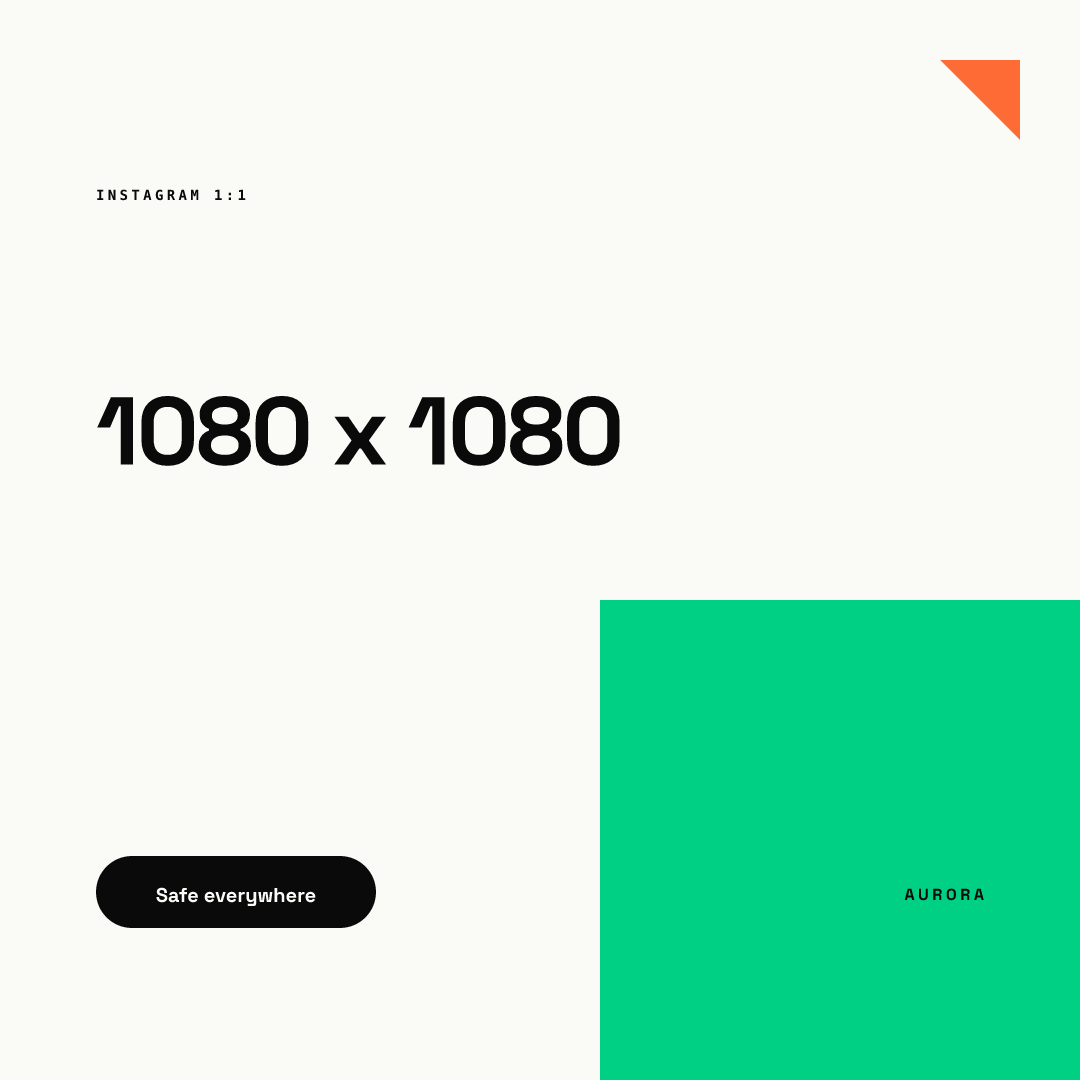
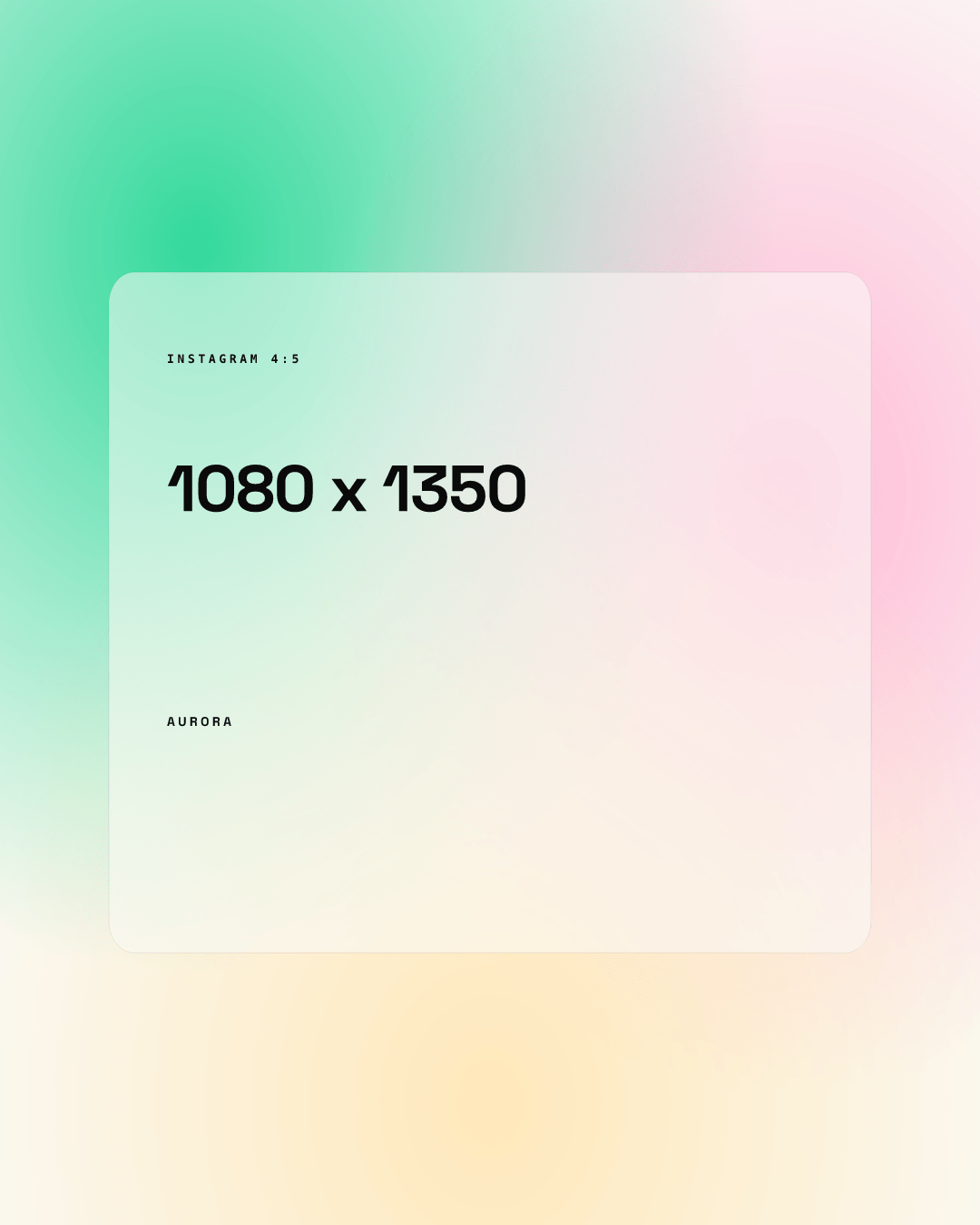
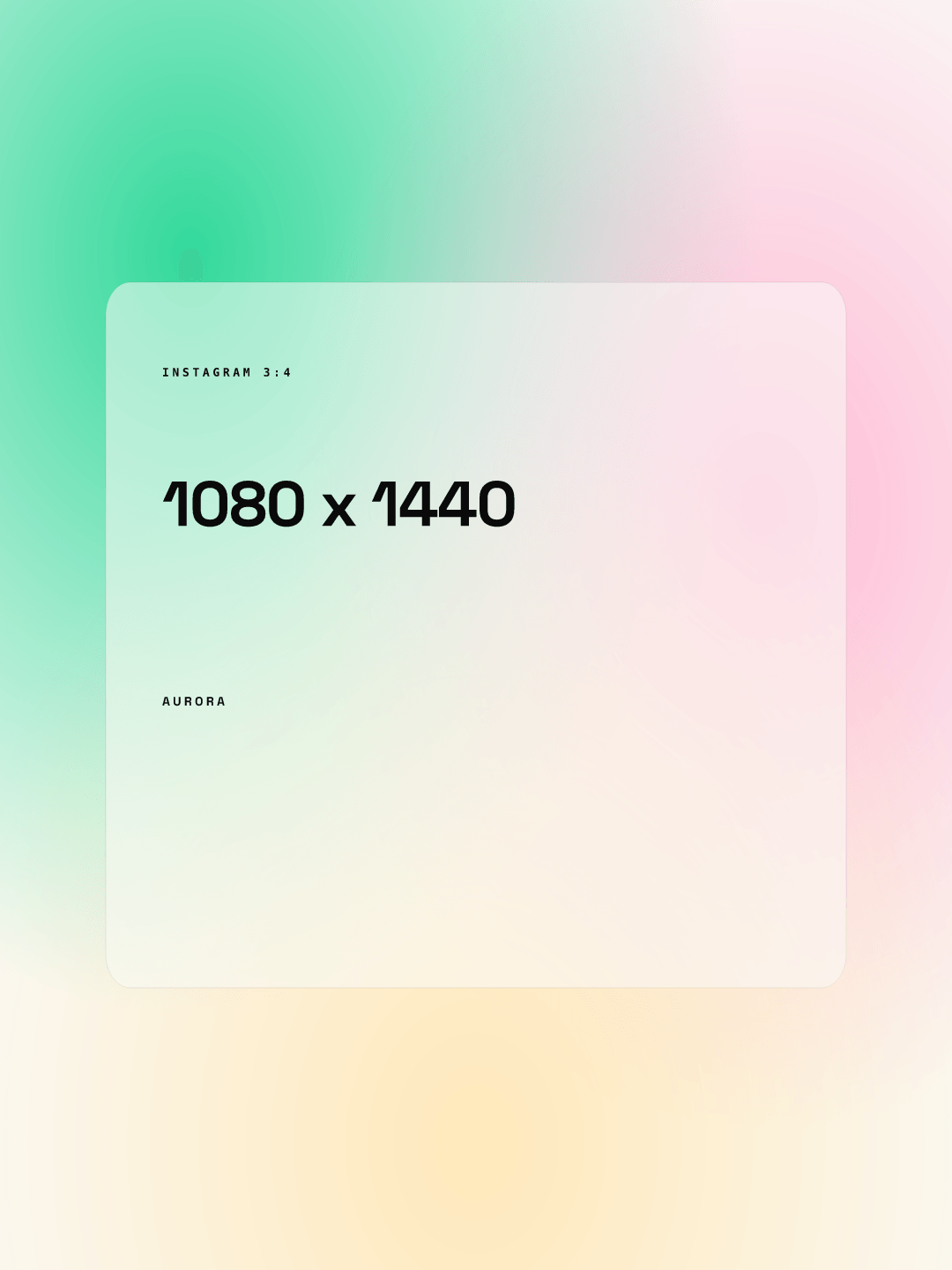
The extra height of 4:5 and 3:4 gives a headline more room, and in the feed a taller post fills more of the phone screen (our observation). You can try one template at several sizes in the live demo.
How does the profile grid crop your post?
Do not confuse the feed range with the grid tile. The help page above is about the photo in the feed. We found no official Instagram page that states the current profile grid tile ratio, so this section is partly unknown.
What we can source: Instagram's 2015 announcement said non-square posts appear on the grid as a center-cropped square. In August 2024, Engadget reported a test of rectangular grid tiles, and Adam Mosseri said most uploads are vertical and that cropping them to squares is "pretty brutal." That was a test, not a published spec.
If your grid tiles are 3:4 and crop from the center, this is the math for a 1080 px wide post (our calculation, not an Instagram figure):
| Your post | Fits the tile by | Trimmed |
|---|---|---|
| 1:1 (1080 x 1080) | Height | About 25% of the width, 135 px each side |
| 4:5 (1080 x 1350) | Height | About 6% of the width, 34 px each side |
| 3:4 (1080 x 1440) | Nothing to trim | Nothing |
| 9:16 (1080 x 1920) | Width | 25% of the height, 240 px top and bottom |
Open your own profile and check what your tiles do before you plan around any of this.
How do you design so nothing important gets cut?
- Pick 4:5 or 3:4 as your default and build one template for it.
- As our rule of thumb, keep the headline and logo at least 60 px from the side edges and treat the outer 6% on each side as decoration.
- Look at one finished post as a grid tile before you approve the template.
- Keep Story and Reel versions as a separate 9:16 template, because apps draw their interface over the top and bottom (see the safe zones guide).
- Lock the layout in a template so every teammate starts from the same safe design. Chikaboom exports PNG in platform sizes from one template. For the other platforms see our social media image sizes guide, and for what to put in the frame, the Instagram design guide for B2B teams.
Does the aspect ratio change reach?
Instagram does not publish a reach advantage for any ratio, and we found no official statement either way. Our working assumption is that the benefit is physical: a taller post occupies more of the screen while someone scrolls.
What file settings keep text sharp?
Export at 1080 px wide. The help page says wider uploads are scaled down and narrower ones enlarged, and enlarging softens small text. If the same campaign also runs on LinkedIn, the sizes differ, so check our LinkedIn image sizes guide before you reuse a file.