PNG is the safest format for social graphics with text, logos and flat color, and JPG is the right one for photos. WebP is usually smaller than JPG, and in our test it matched PNG on flat color and beat it only on a gradient. But LinkedIn (for Page images), YouTube thumbnails and Pinterest list only PNG or JPEG on their help pages, so do not count on it for uploads.
We tested this on our own output. Our engine rendered two 1080 x 1080 posts from our AURORA demo brand as PNG. We then converted each with sharp (JPEG quality 92 and 80, WebP quality 80, all other settings default) and measured the files. For the networks' sizes, see our social media image sizes guide.
What is the difference between PNG, JPG and WebP?
MDN classes PNG as lossless, JPEG as lossy, and WebP as able to do either. Lossless means every pixel comes back exactly as saved. A lossy encoder discards fine detail it expects you will not notice. That suits photographs, but MDN says smudging and color fringes are easy to spot around text and hard edges, so it advises lossless files for screenshots, diagrams, logos and line art.
web.dev says the same in other words: PNG gives the highest quality at a much higher file size, JPEG trades some quality for smaller files, and WebP generally compresses better than both. MDN puts numbers on it: lossy WebP is on average 25 to 35 percent smaller than comparable JPEG, and lossless WebP about 26 percent smaller than PNG.
| Format | Compression | Transparency | Best for |
|---|---|---|---|
| PNG | Lossless | Yes | Text, logos, flat color |
| JPG | Lossy | No | Photos |
| WebP | Lossy or lossless | Yes | Web pages (our advice: only where a fallback exists) |
Which formats do social networks accept?
Fewer than your design tool exports. These are the pages we could read on October 2, 2026:
| Network | Formats listed | File limit |
|---|---|---|
| LinkedIn (Page and Career Page images; feed posts not checked) | PNG, JPEG | 3 MB |
| YouTube (thumbnails) | JPG, PNG | 2 MB on mobile, 50 MB on desktop |
| Pinterest (standard Pins) | PNG, JPEG | 20 MB desktop, 32 MB in app |
None of the three lists WebP. We could not load Instagram's or X's help pages for file formats, so we do not state their rules here: check them before you export. Pinterest adds, in advice aimed at advertisers, that images should be PNG with an sRGB profile, and that it converts every upload to a standard 8-bit RGB JPEG. Our reading: upload a clean PNG, so that conversion is the only lossy step. Per-network sizes are in our guides for YouTube thumbnails and Pinterest Pins.
How much smaller are JPG and WebP? Our measurement
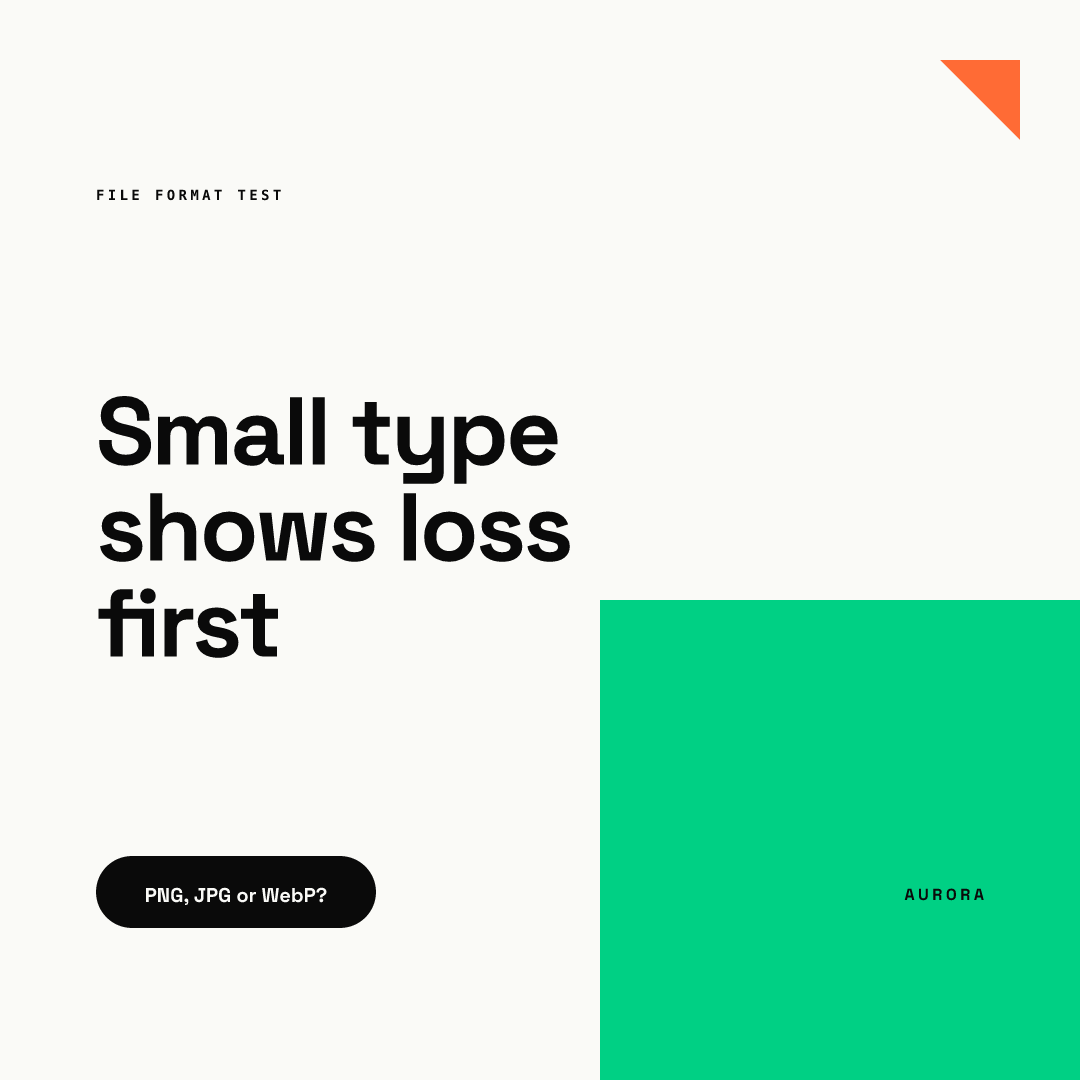
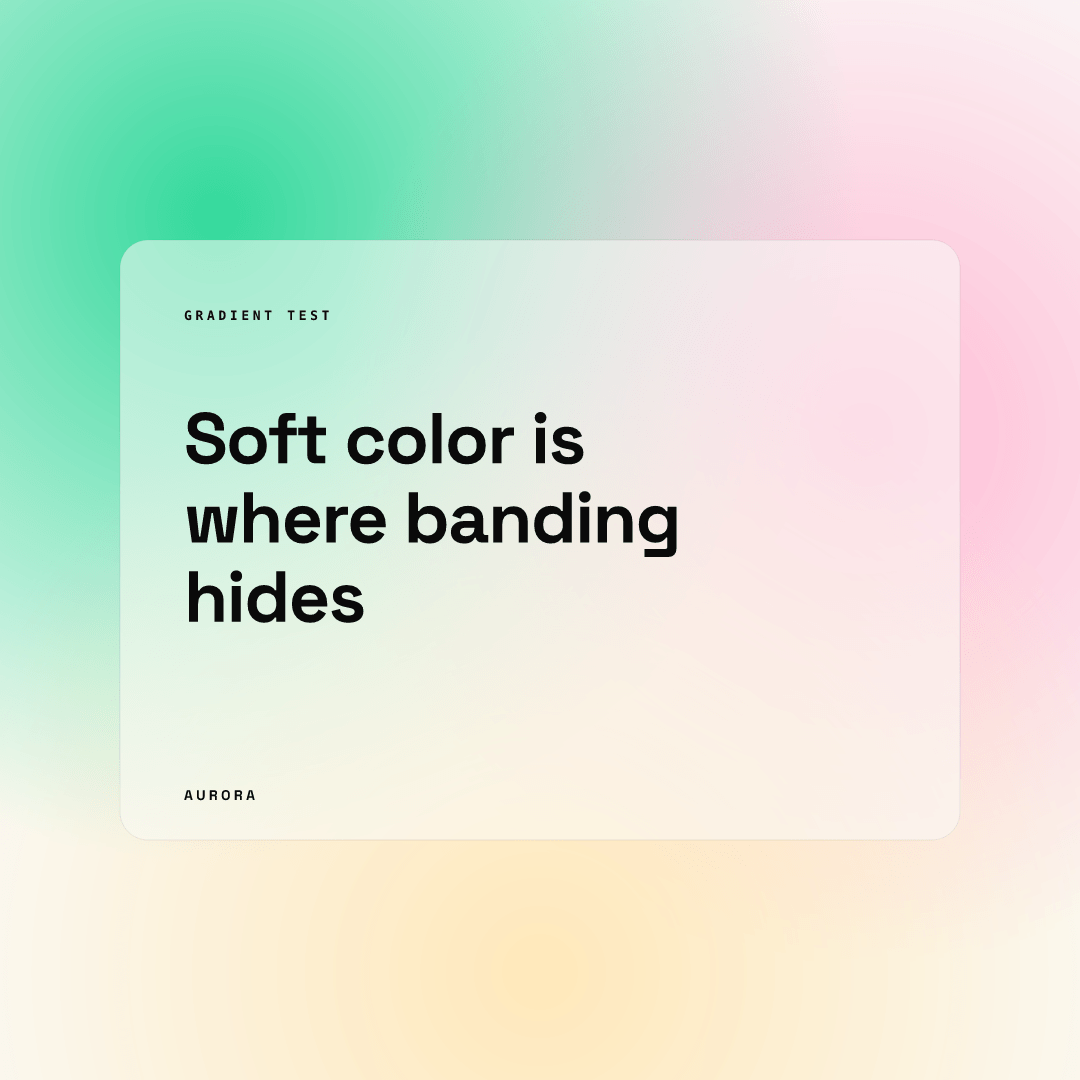
We took two renders from our engine, a text-heavy block layout and a soft gradient layout, and saved each four ways.
| File (1080 x 1080) | Flat text layout | Gradient layout |
|---|---|---|
| PNG | 13.0 KB | 182.8 KB |
| JPG, quality 92 | 44.7 KB | 71.9 KB |
| JPG, quality 80 | 34.3 KB | 39.3 KB |
| WebP, quality 80 | 13.8 KB | 16.9 KB |
Sizes are real bytes from a one-off sharp conversion of the same PNG. Three things stand out.
- PNG won on the flat layout. Large areas of one color compress extremely well without loss, so the lossless file was smaller than both JPGs. Switching to JPG made that file 2.6 to 3.4 times bigger, and lossier.
- The gradient flipped the result. Smooth color blends are hard for PNG, so the PNG was 183 KB and a quality 92 JPG cut it to 72 KB.
- WebP at 80 was 13.8 KB on the flat layout and 16.9 KB on the gradient. It roughly matched PNG on the flat layout (slightly larger than 13.0 KB) and was about a tenth of the gradient PNG.
We also compared every pixel of each converted file with the original PNG (absolute difference per color channel, 0 to 255). The average was under 1.1 for every lossy file, but at the sharpest edges the worst single pixel was off by 81 to 89 levels on the text layout for JPG 80, JPG 92 and WebP 80. That is the lossy cost that MDN describes: it concentrates at text edges. At normal viewing size we could not see it in a zoomed crop of the button text, so in our view quality 80 and above is usable for posts. Expect the damage to show when someone zooms in or re-shares the post.
We used one sample of each type, so treat the sizes as an illustration of the pattern, not a benchmark. Your own files will vary.
Which format should you use for social posts?
Match the format to the content, then check the network's list.
- Graphic with text, logo or flat color: PNG. It was smallest on our flat layout and has no edge artifacts.
- Photo or heavy gradient background: JPG at quality 90 or higher, if the PNG would break a file limit (for example, LinkedIn lists 3 MB for Page images).
- WebP: keep it for your website. Do not upload it to a network that does not list it.
- Never re-save a JPG as a JPG. Our advice: each lossy save discards more detail, so keep a PNG master.
If you export many sizes, a template tool removes the guesswork: Chikaboom exports PNG in each platform's size, so the file you upload is always the lossless one. You can try it in the live demo.
Checklist before you upload
- Check the network's own list of accepted formats and the file limit.
- Export text graphics as PNG; use JPG only for photos or to fit a size limit.
- Use quality 90 or higher for JPG, and never convert WebP back and forth.
- Open the final file at 100 percent and read the smallest text.