YouTube lists 3840 x 2160 px at a 16:9 ratio for video thumbnails, with a minimum width of 640 px, and accepts JPG or PNG. Our recommendation is 1920 x 1080 px or larger. The numbers come from YouTube's thumbnail help page.
Below you will find every limit YouTube publishes, who can upload a custom thumbnail, and a labeled checklist for designing one that holds up at small sizes. For the same numbers on other networks, see our social media image sizes guide.
What size is a YouTube thumbnail?
Use landscape. YouTube's help page gives these values:
| Type | Resolution | Ratio | Minimum |
|---|---|---|---|
| Video thumbnail | 3840 x 2160 px | 16:9 | 640 px wide |
| Shorts thumbnail | 2160 x 3840 px | 9:16 | 640 px tall |
| Podcast playlist thumbnail | not listed | 1:1 | not listed |
The 640 px figure is a floor, not a target. The shape matches the player: YouTube's aspect ratio page names 16:9 as the standard on computers and lists 1920 x 1080 px and 1280 x 720 px among its resolutions. Our recommendation is 1920 x 1080 px or larger, since it keeps the shape and is far lighter than 4K. Pick one size and stick with it so every video looks consistent.
What file size and format does YouTube allow?
JPG or PNG, within limits that depend on where you upload. According to YouTube, desktop uploads allow up to 50 MB for video, Shorts and podcast thumbnails. Mobile uploads are capped at 2 MB for video thumbnails and 10 MB for podcast thumbnails.
| Spec | Value |
|---|---|
| Formats | JPG, PNG |
| Desktop file limit | 50 MB |
| Mobile file limit (video) | 2 MB |
All values come from the same YouTube Help page. WebP is not on the list. If you are weighing formats, our guide to PNG vs JPG vs WebP for social media explains when each one wins. In our experience a flat graphic with sharp text usually stays under 2 MB as a JPG at 1920 x 1080 px, but check the file before you upload from a phone.
Who can upload a custom thumbnail?
Verified accounts. YouTube states that your account must be verified to use custom thumbnails. The same page says you add one from the thumbnail section in YouTube Studio, where an "Upload file" option takes an image from your device, and that a "Get suggestions" option offers generated ideas.
How should you design a YouTube thumbnail?
YouTube does not publish design rules beyond the technical specs, so everything in this section is our own advice, not a platform requirement. The reasoning is simple: a thumbnail shows up as a small tile in search results, suggested videos and the home feed, so it has to be understood at a glance.
Use this checklist before you upload:
- One idea. One focal point, one short message. If you need a second sentence, it belongs in the title.
- Three to five words. Large type is readable on a phone tile. Small captions are not.
- High contrast. Dark text on a light block or the reverse. Shrink the image to about 200 px wide to check it.
- Do not repeat the title. The title sits next to the thumbnail. Use the image for the hook and the title for the detail.
- Leave the lower right corner clear. In the interface we have seen, YouTube overlays the video length there. This is our observation, not a published safe zone.
- One face or one object. A crowded frame turns to noise when scaled down. Crop in tight.
- Same layout every time. Fixed fonts, colors and positions make your videos recognizable in a crowded feed.
- Consistent brand colors. Reuse two or three colors so a viewer can spot your video before reading it.
- Test small. Shrink it to a tile, look away, then look back. If you cannot tell what the video is about, simplify.
- Export correctly. JPG or PNG, and under 2 MB if you upload from mobile.
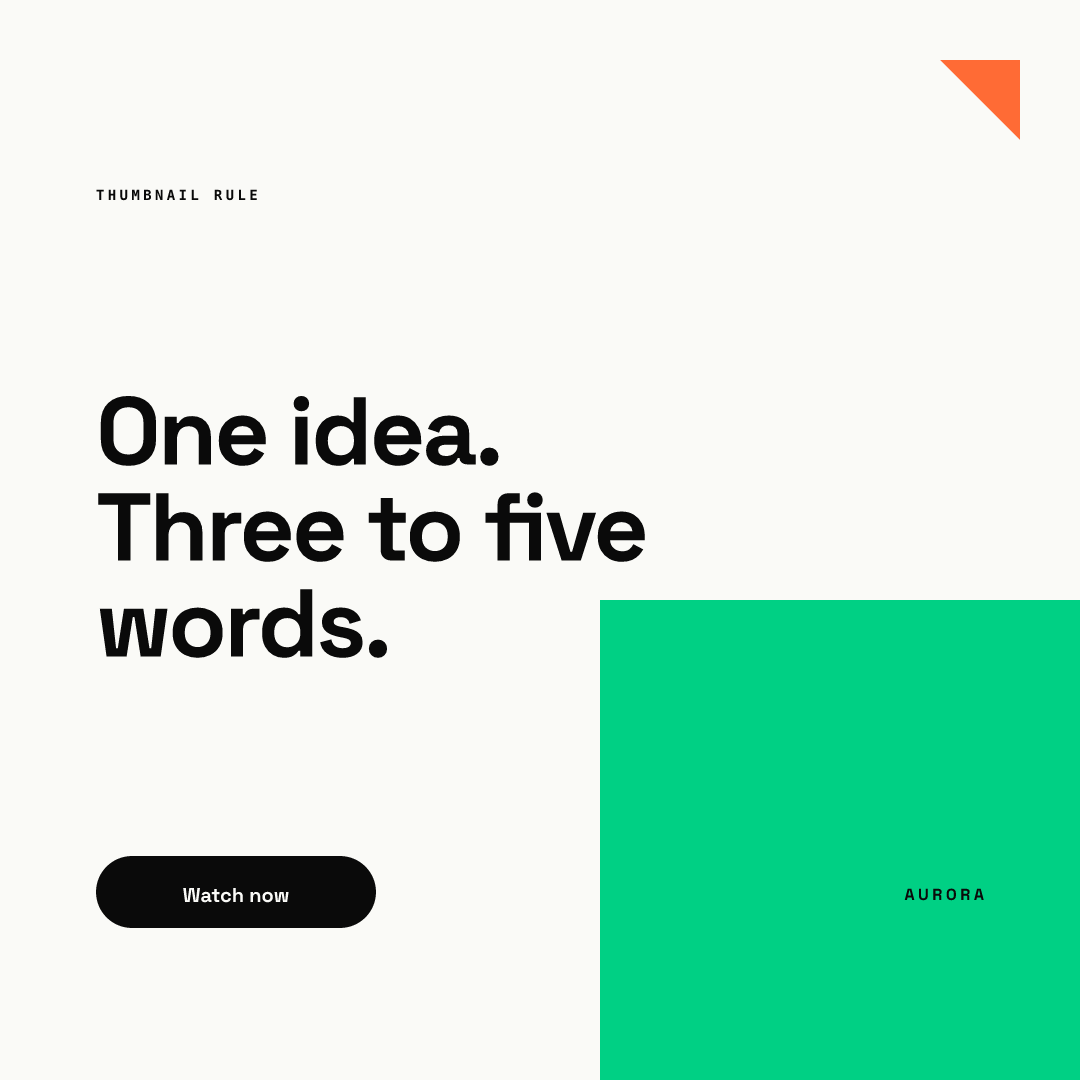
The image above is a square example from our AURORA demo brand, not a YouTube-size thumbnail. It shows the principle of the checklist: big type, few words, strong contrast. In Chikaboom a designer builds a layout like this once and the team fills in the headline fields. Text shrinks inside its box, so a long title never spills out. You can try it in the live demo.
What about channel art?
Channel banners are a separate size. YouTube's banner help recommends at least 2560 x 1440 px for the best display on all devices. We could not confirm a published safe area or file size limit on the pages we read, so test the banner on desktop, mobile and TV before you commit to it.
How does a YouTube thumbnail compare to other covers?
YouTube's thumbnail is landscape, and Shorts use a vertical 9:16 image, so a thumbnail does not carry over to vertical formats unchanged. On TikTok, which publishes no organic cover size, our recommendation is a full vertical frame, as explained in our TikTok cover size guide. Plan a separate cover for each network instead of resizing one image everywhere.