Use 1000 x 1500 px, a 2:3 ratio, for Pinterest Pins: per Pinterest's ad specs, it is the recommended size for standard image Pins, and ratios beyond 2:3 may get cut off in feeds.
What is the best Pinterest Pin size?
Our reading: 2:3 is tall enough to own the screen on a phone while staying inside the ratio Pinterest recommends. Pinterest's creative guidance ties the recommendation to mobile, since most people browse Pinterest on a phone.
| Item | What Pinterest says |
|---|---|
| Recommended ratio | 2:3 |
| Recommended size | 1000 x 1500 px |
| Ratios taller than 2:3 | May be truncated in feeds |
| File types | BMP, JPEG, PNG, TIFF, WEBP |
| Max file size (web) | 20 MB |
The first two rows and the truncation warning come from the ad specs. The file types and the 20 MB web limit come from the Pin specs page.
What does the same Pin look like at 2:3 and at 1:1?
Here is the same layout at 1000 x 1500 (2:3) and 1000 x 1000 (1:1). Only the canvas changes.
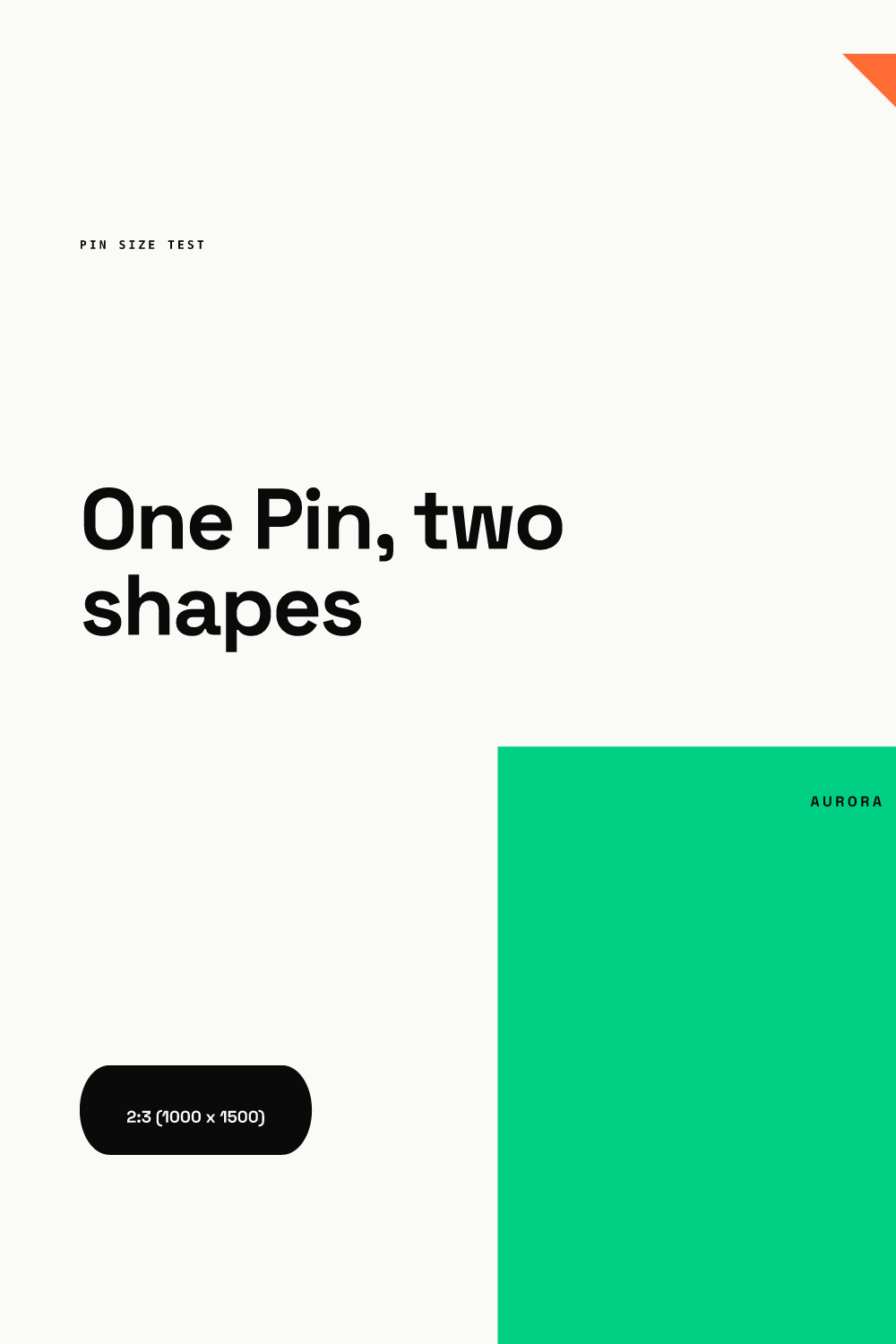
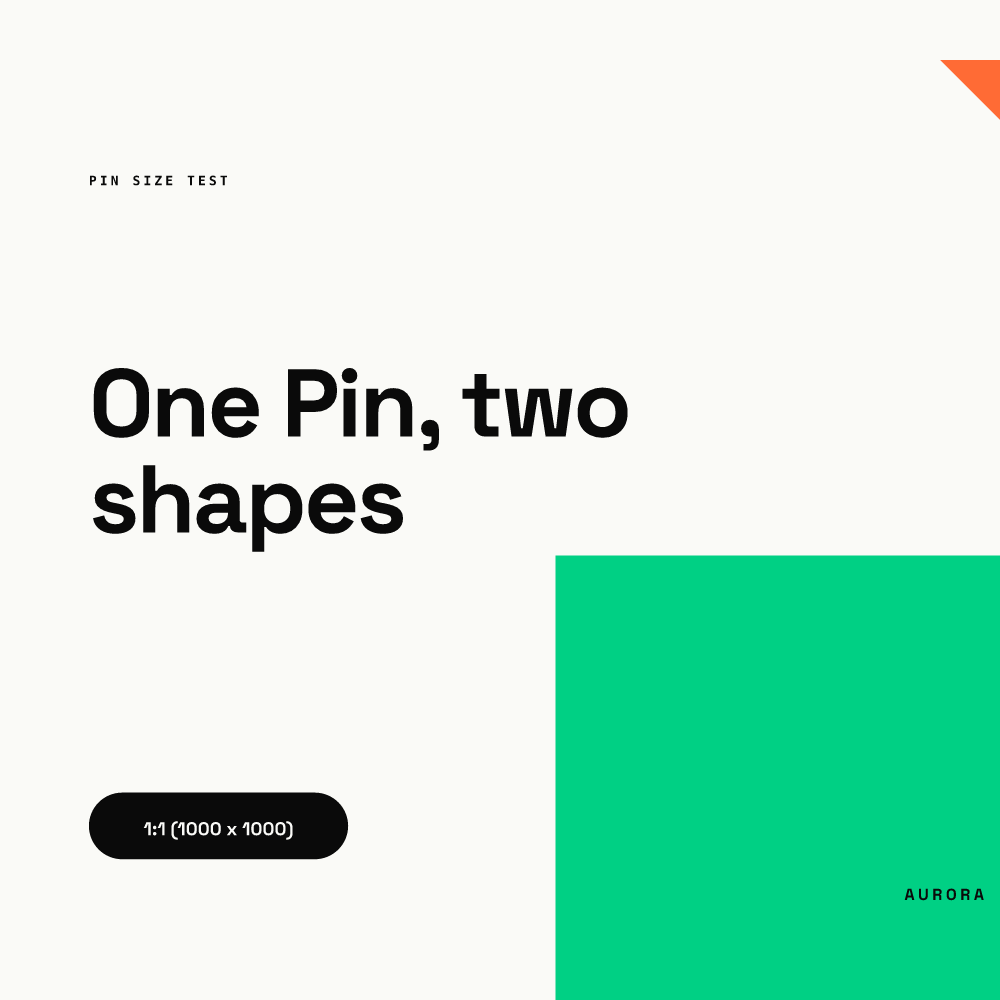
The 2:3 Pin is half again as tall as the square (1500 px against 1000 px), so the layout gets more room above the headline and a taller color block below it. In a tall feed, that is extra height a square never gets. Beyond 2:3 is where Pinterest says a Pin might get cut off; in our working assumption the lowest elements go first, which in this layout would be the label and logo, but Pinterest does not say where the cut falls.
What does Pinterest say about longer Pins?
Less than most guides claim. Here is what the official pages state and what they leave out.
| Question | Official answer |
|---|---|
| Are taller Pins allowed? | The ad specs say a Pin with an aspect ratio greater than 2:3 might get cut off, which implies it is not blocked |
| Where is the cutoff? | Not published on the pages we checked |
| Is there a recommended long format? | No. 2:3 is the only image ratio recommended |
| Does a taller Pin perform better? | Not stated |
You may see a specific "maximum Pin height" quoted elsewhere. We could not confirm one on a Pinterest help page, so we do not give you a number. If you want to test long Pins, put the headline and the point of the Pin in the top two thirds of the canvas (our recommendation) and treat the rest as bonus.
How do you design a Pin that works at 2:3?
Pinterest's own advice is to stack the message: key text near the top, supporting detail lower down. A short checklist:
- Export at 1000 x 1500 px.
- Put the headline in the upper half and keep it large enough to read at thumbnail size.
- Keep logos and calls to action inside the frame, not on the bottom edge.
- Upload PNG in sRGB. The ad specs say images are converted to 8-bit RGB JPEGs and that custom color profiles are not supported. See our guide on PNG vs JPG vs WebP for social media for the trade-offs.
- Stay under the 20 MB web limit.
Should you resize an Instagram post into a Pin?
Not by cropping. A 4:5 Instagram image is wider than 2:3, so dropped in as is it makes a Pin shorter than the recommended 2:3 (our recommendation: rebuild instead). Rebuild the layout at 1000 x 1500 instead: move the headline up, give it more height, and let the supporting text stack below it. Pinterest's own creative guidance describes this same order, key message first, details after.
Our suggestion for teams: keep one master message and one set of brand assets, then produce a version per ratio. The words stay identical; the arrangement changes.
What about Pin titles and descriptions?
The image is only half of a Pin. The ad specs page gives a 100-character title limit, of which roughly the first 40 characters are typically visible, and an 800-character description that is not displayed in feeds. The Pin specs page lists the same 100 and 800 limits for regular Pins. In practice, our suggestion is to front-load the title with the words that matter, since the cut falls around character 40, and treat the description as context for search, not as copy people will read in the feed.
How does 2:3 compare with other platforms?
Instagram's photo help page says photos are kept at their original resolution from 1.91:1 up to 3:4 (up to 1080 x 1440), which is still wider than Pinterest's 2:3. See our Instagram post sizes guide; a Pin is not a drop-in Instagram post. The full cross-platform table is in our social media image sizes guide.
One practical wrinkle: the ad specs say Pinterest converts uploads to 8-bit RGB JPEGs. Soft gradients can show banding after that conversion (our observation of the format, not a Pinterest statement), so check gradient-heavy Pins after upload. If you make the same visual for several networks, you can try a locked-text template in the live demo.