On-brand posts in minutes.

Without a designer on call.

Pick a template

yourbrand
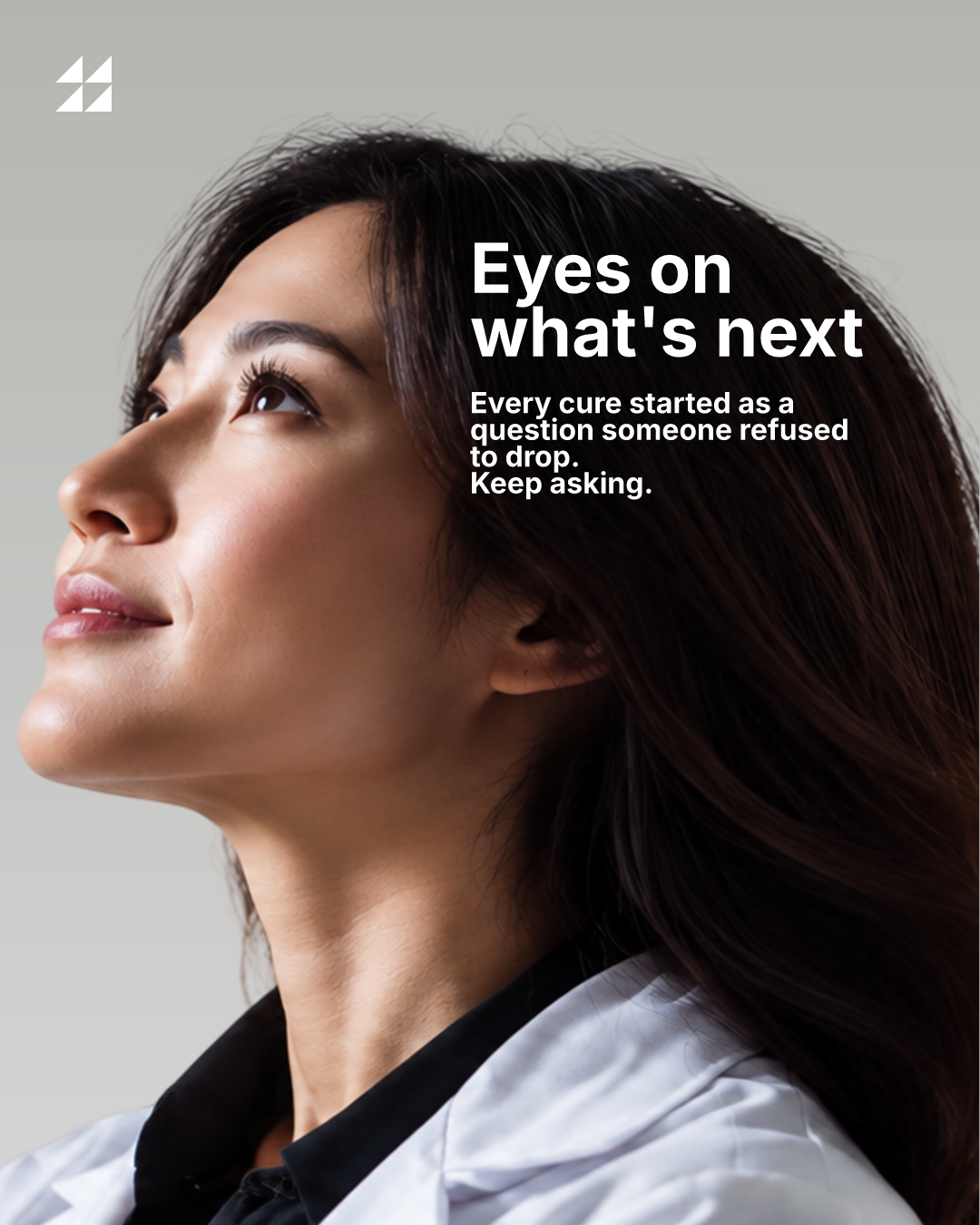
Eyes on what's next

1,284 likes

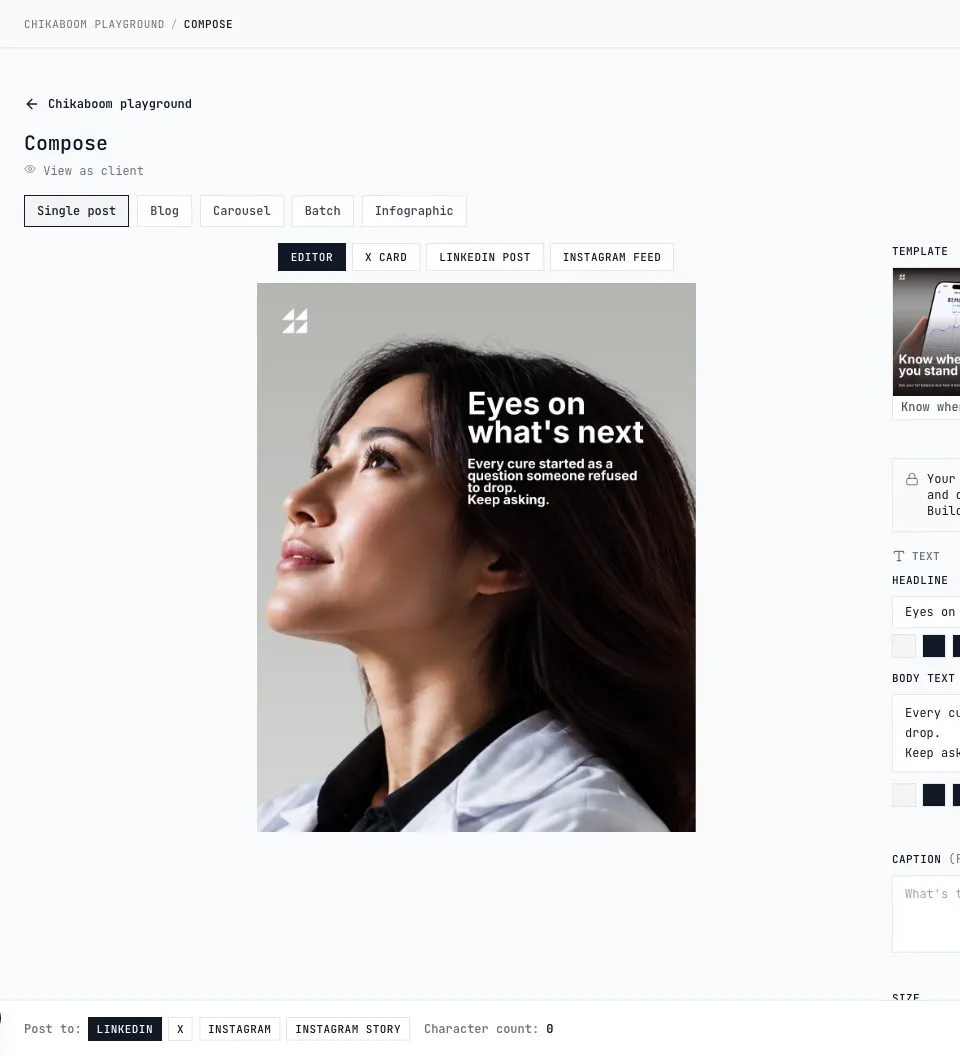
Edit text and photo

Eyes on what's next
Your backgroundReplaces the photo. Any size from your computer or phone, we shrink it here.
Your logoTakes the place of our mark: same height, same margins. A wider logo just gets wider.

Try a very long headline. It stays inside its box and ellipsizes. It never spills onto the logo.

The rule

The designer's box is the contract.

A template is a contract: which text can change, how far it may shrink, where the photo goes. The team fills it in. Nothing else moves.

How it works

Positions are byte-exact. What the designer saved is what renders, no auto-layout guesses, no rounding.

Text stays inside its box: it shrinks to the designer's minimum where the template allows it, then ellipsizes. It never spills onto the logo.

Roles live in code. Owners build templates and kits, members fill fields and publish. There is no "edit anyway" button.


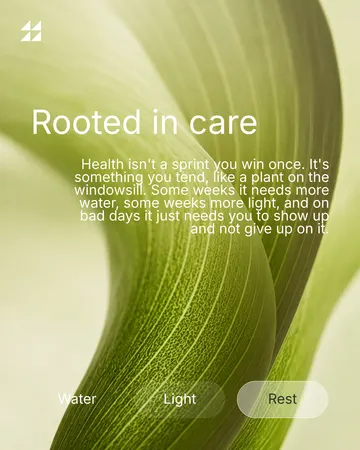
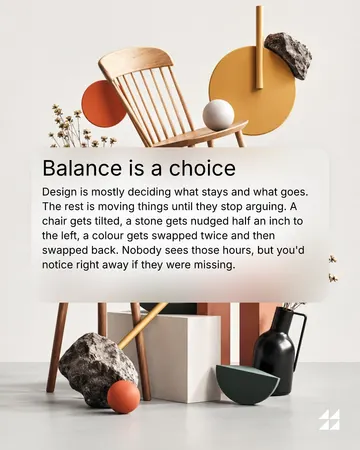
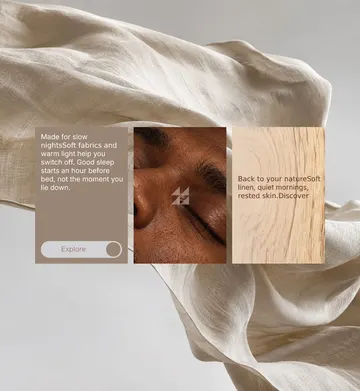
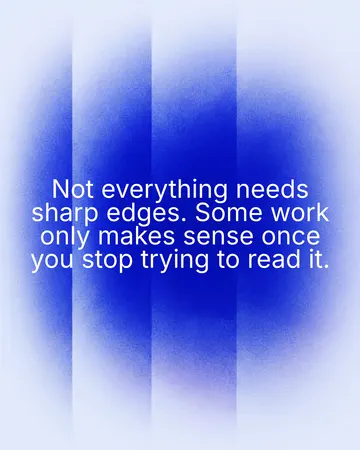
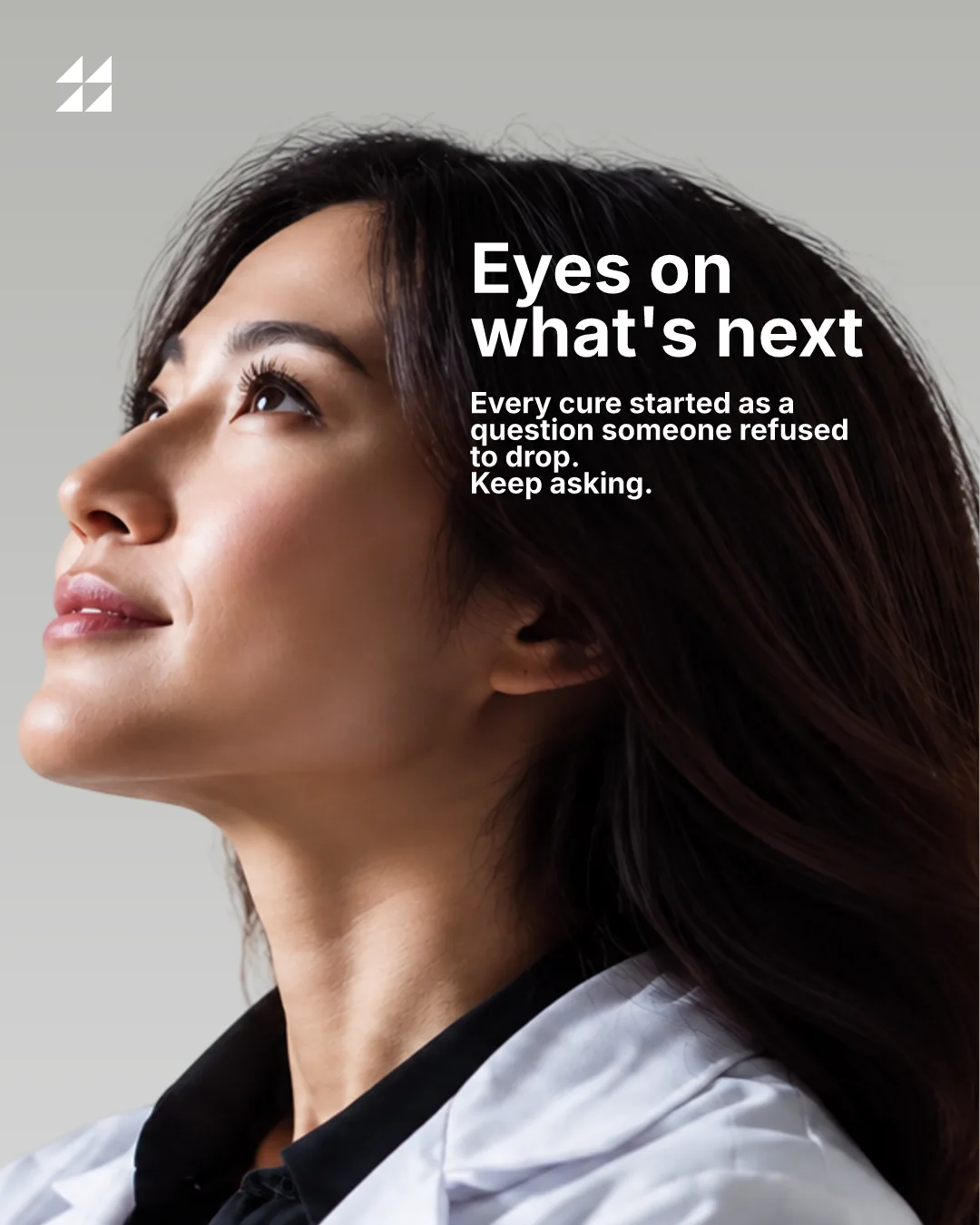
One post rendered by Chikaboom in the 16:9 formatOne post rendered by Chikaboom in the 4:5 formatOne post rendered by Chikaboom in the 9:16 formatOne post rendered by Chikaboom in the link preview formatOne post rendered by Chikaboom in the 3:4 formatOne post rendered by Chikaboom in the 1:1 format
What it does

Everything a post needs.

Your brand

Bring your own kit.

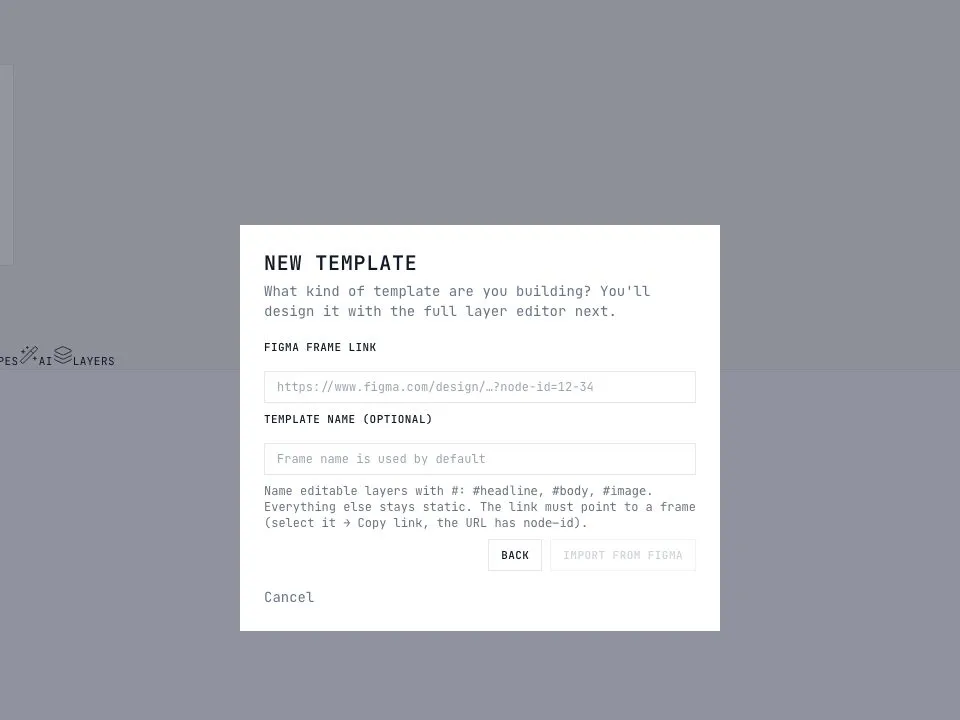
Importing a Figma frame as a template
Figma

Import from Figma

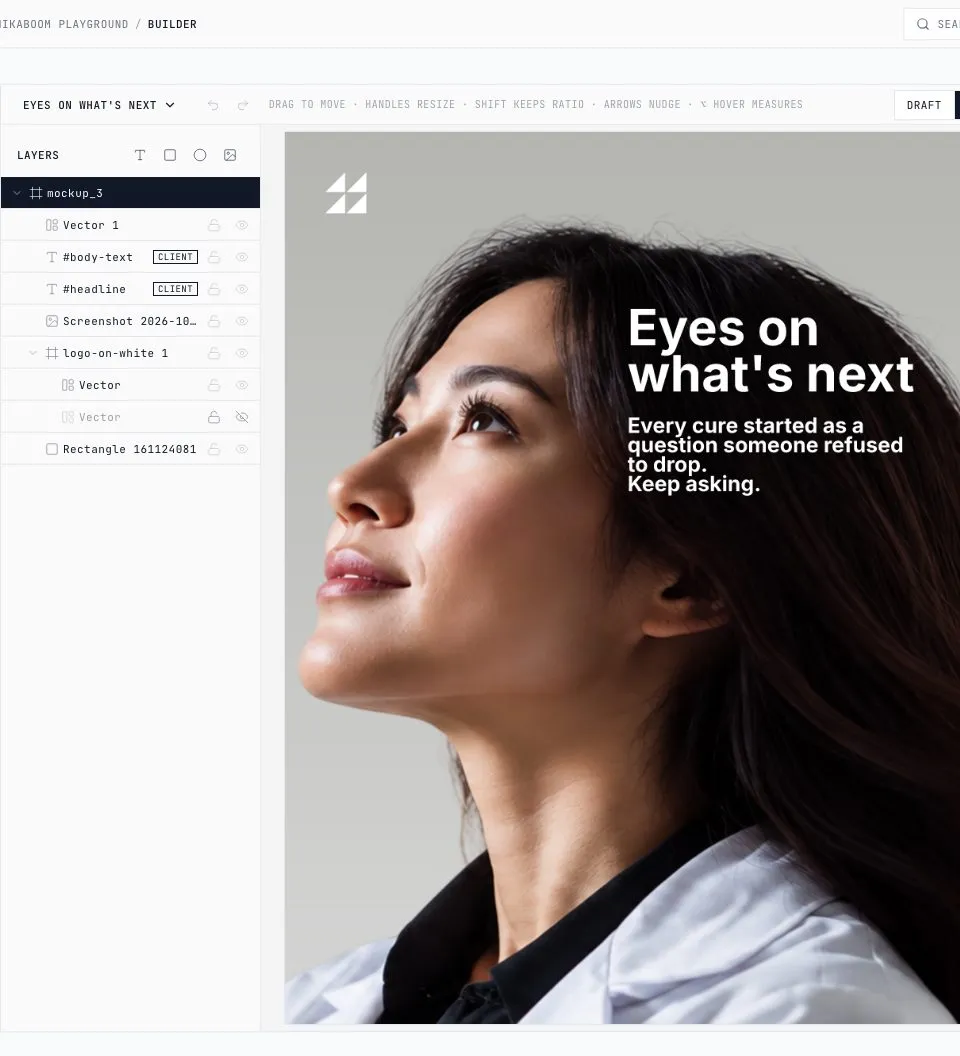
Paste a frame link. Layers named #headline and #photo become the fields, the rest stays art.

  • Notion
  • Jira
  • Linear
  • Asana
  • Trello
  • ClickUp

Notion and Jira today. The rest through MCP and the API.

Task managers

A task in, a creative out

Open a task in Notion or Jira, fill the brief, and the finished post lands back in that task: on your templates, in your colours, ready to publish. Any other tool talks to Chikaboom through MCP and the API.

Your posts will finally look like your brand.

Free while in beta. No card. Built solo by a designer, in public.

Get started free
How it works

One template beats a hundred design requests.

Step 01

Designer builds it once

In Figma or in our builder. Name a layer #headline and it becomes the field. Everything else stays static art.

Who: the designer · Where: Figma or the builder

Open the builder
Step 02

Team types the text

Members pick a template, fill the fields, drop in a photo. Fonts, colours and spacing are not theirs to touch.

Who: anyone on the team · Time: about two minutes

Try it above
Step 03

Chikaboom renders and publishes

Pixel-exact PNG, every format from the one template. Send for approval, schedule it, or post now to Instagram, X and LinkedIn.

Where: Instagram, X, LinkedIn · Also: Notion and Jira

Get started
FAQ

Questions, answered.

What is Chikaboom?

A workspace for on-brand social posts. A designer builds the templates once, in Figma or in our builder. Your team or your AI agent fills them in, and Chikaboom renders the posts and publishes them to X, LinkedIn and Instagram.

Is Chikaboom free?

Yes, Chikaboom is free while in beta. Sign in with Google or a one-time email link, no card needed.

Can I upload my content plan?

Yes. Import your content plan as an Excel or CSV file and every row becomes a post on your templates. You get all the posts at once as a ZIP.

Does it work with my AI agent?

Yes. Chikaboom runs an MCP server and an API. Create an API key in Settings and connect Claude Desktop or any MCP client: the agent can list your brands, render posts on your templates and schedule them.

Where can I publish?

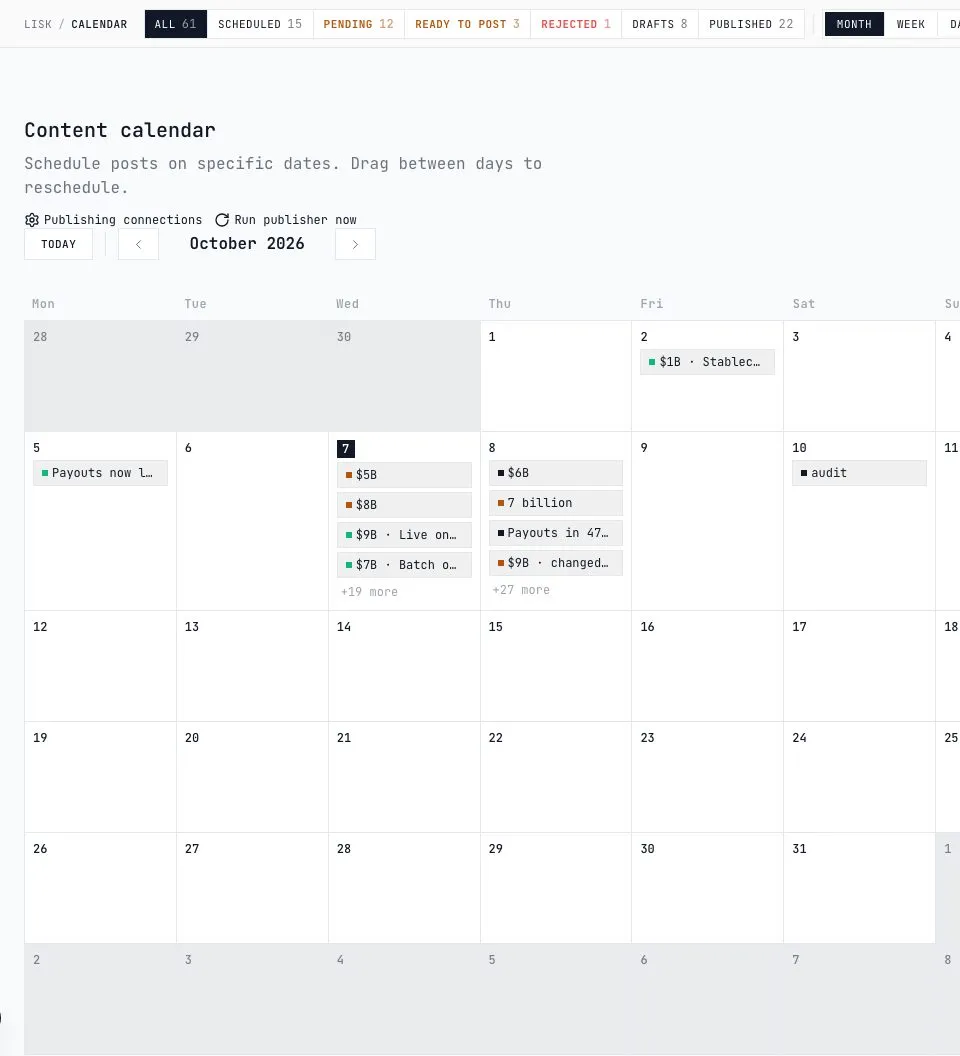
Instagram, LinkedIn and X. Send a post for approval, schedule it on the calendar, or publish it now.

Can I use my Figma designs?

Yes. Paste a frame link. Layers named #headline and #photo become the fields, the rest stays art.